A Java Card is not a finished credential you can buy off the shelf and use. It is a small secure computer that runs your application, and the useful buying decisions are about which platform version, which chip, which interface and whose keys. This explainer separates the platform (Java Card) from the product most people actually order (an NXP JCOP card), and sets out what an integrator has to have in hand before a batch makes sense. For the hardware itself, see our Java Card page.
Table of Contents
Java Card as a platform, not a product
Java Card is a specification, published by Oracle, for running small applications called applets on a secure microcontroller. Three pieces make it work:
- The Java Card Virtual Machine (JCVM). A cut-down Java runtime that executes applet bytecode on the chip. It deliberately omits much of ordinary Java: no floating point, no threads, and on most implementations no automatic garbage collection. Applet logic is careful byte-array handling, not general-purpose programming.
- Applets and the applet firewall. Several applets from different providers can live on one chip, each sealed in its own context so one cannot read another’s data except through a shareable interface both sides opened on purpose. This isolation is why a single card can carry, say, a login credential and a door credential without one exposing the other.
- The GlobalPlatform card manager. A separate specification that governs the card’s life cycle: loading, installing, locking and deleting applets. All of that card management travels over an encrypted, authenticated secure channel (GlobalPlatform SCP02 or SCP03), so code cannot be slipped onto the card without the right keys.
The host talks to the card in APDUs, the command-and-response units defined in ISO/IEC 7816-4. Every operation, from selecting an applet by its Application Identifier (AID) to running a cryptographic function, is an APDU exchange. Because the platform is standardised, an applet written for one manufacturer’s card can usually be deployed on another’s with limited porting, which is part of why Java Card became the base for payment and identity programs.
JCOP: NXP’s implementation
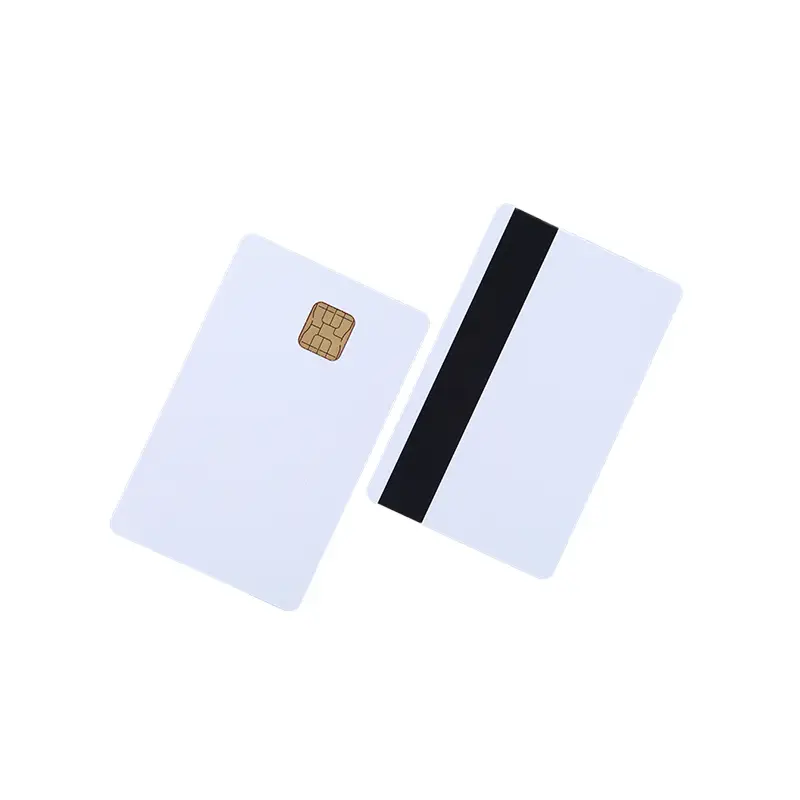
Most Java Cards on the market are JCOP cards. JCOP (Java Card Open Platform) began at IBM and is now NXP’s product line, implementing the Java Card and GlobalPlatform specifications on NXP’s SmartMX secure microcontroller family. When someone says “a JCOP card” they mean a specific NXP part with a specific Java Card version, GlobalPlatform version, memory size and interface. The part number carries all of that, and it is what belongs on a purchase order.
The mainstream current generation, JCOP 4 on the P71 secure element, implements Java Card 3.0.5 Classic and GlobalPlatform 2.3.1, and the P71 hardware carries a Common Criteria EAL6+ evaluation. Older parts are still sold and still useful, largely because a great deal of open-source and enterprise tooling was written against them. The table below, drawn from the specifications on our product page, shows how the family reads.
| Part | Java Card / GlobalPlatform | Interface | Memory |
|---|---|---|---|
| J2A040 | Java Card 2.2.2, GP 2.1.1 | Contact | 40 KB EEPROM |
| J3D081 | Java Card 3.0.1, GP 2.2.1 | Dual | 80 KB EEPROM |
| J3H145 | Java Card 3.0.4, GP 2.2.1 | Dual | 144 KB EEPROM |
| J3R110 to J3R200 | Java Card 3.0.5, GP 2.3.1 | Dual | 110 to 200 KB flash |
A useful detail for planning: parts up to the J3H generation use EEPROM, while the J3R series on P71 moved to flash, which changes write behaviour and performance. Start from the part your applet vendor specifies, then confirm the offered card’s platform versions, memory and enabled features against the applet’s documentation before you treat any alternative as equivalent.
Contact, contactless and dual interface
The interface decides how the card is read, and it is independent of the applet.
- Contact (ISO/IEC 7816). The card is inserted into a slot. This is the usual interface for the initial personalisation and key injection, where communicating over the air is undesirable.
- Contactless (ISO/IEC 14443). The card is tapped over a 13.56 MHz field, the interface transit gates and access doors rely on for sub-second reads.
- Dual interface. One secure element answers through both paths, so an applet installed over the contact interface is also reachable contactless. This is increasingly the default for converged credentials because one card serves both the insert-and-wait and the tap-and-go moments.
A dual-interface label does not by itself mean the card emulates MIFARE or will open a given door reader; those depend on the exact chip option and must be tested against the installed system. Compare a MIFARE DESFire card when the application wants its fixed file-and-key model rather than a programmable platform.
What “unfused” and “pre-personalised” mean
Blank JCOP cards are often sold “unfused”, meaning the pre-personalisation configuration has not been locked. What is adjustable, and the procedure to initialise the card, depend on the exact JCOP product and its delivery state. The word alone does not confirm that a particular applet can be loaded, nor that a default key applies. Ask the supplier to document the delivery state, the initialisation steps and the card-manager key handover. A “pre-personalised” card, by contrast, has had some of that initialisation done already, which narrows what you can still change. Neither term is a substitute for the specifics.
Typical uses
Java Card underpins applications that need on-card cryptography and isolation:
- Payment (EMV). Visa, Mastercard and other schemes run their approved applet on a certified Java Card OS and secure element. A blank card is not scheme membership; the application, configuration and acceptance come from the issuer or scheme.
- Identity and eID. National ID, e-passport and driving-licence programs run identity applets (for example PIV or ICAO MRTD/LDS) on certified Java Card platforms for biometric storage and digital signature.
- PKI. Corporate and government PKI (for example PIV) keeps signing and authentication keys on the card, with matching middleware and certificates.
- Transit. Fare applets such as Calypso or CIPURSE, sometimes alongside a loyalty applet on the same card.
Why the applet and keys come before the order
The recurring lesson in Java Card procurement is that the hardware is the last decision, not the first. Before a batch is worth quoting you need the applet your project runs and the platform, memory and cryptographic functions it requires; the interface, and whether MIFARE emulation is needed; the delivery state and whether the supplier performs any initialisation; and, critically, who holds the card-manager keys and how they will be handed over, because without the right keys you cannot load your applet onto a secure channel at all. Loading depends on card configuration, platform compatibility and those keys together.
Settle that first, then validate the whole chain, card, reader, operating system and applet loader, with a sample before committing to a rollout quantity. When you are ready, send your specification with the exact part, interface, delivery state and key-handover requirement, and browse the wider RFID and smart cards range for related formats. The way keys and identifiers are written and controlled is covered further in RFID data encoding and memory.