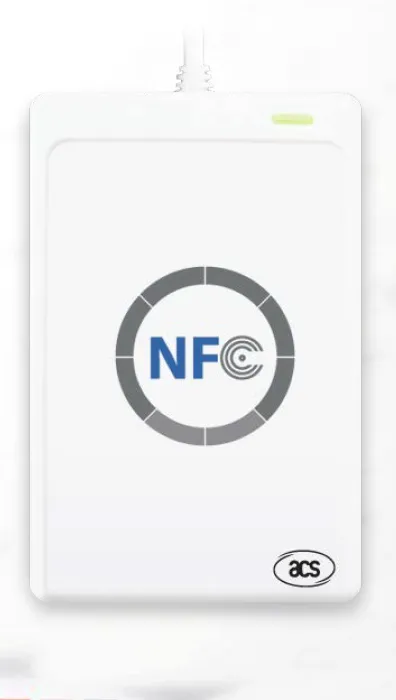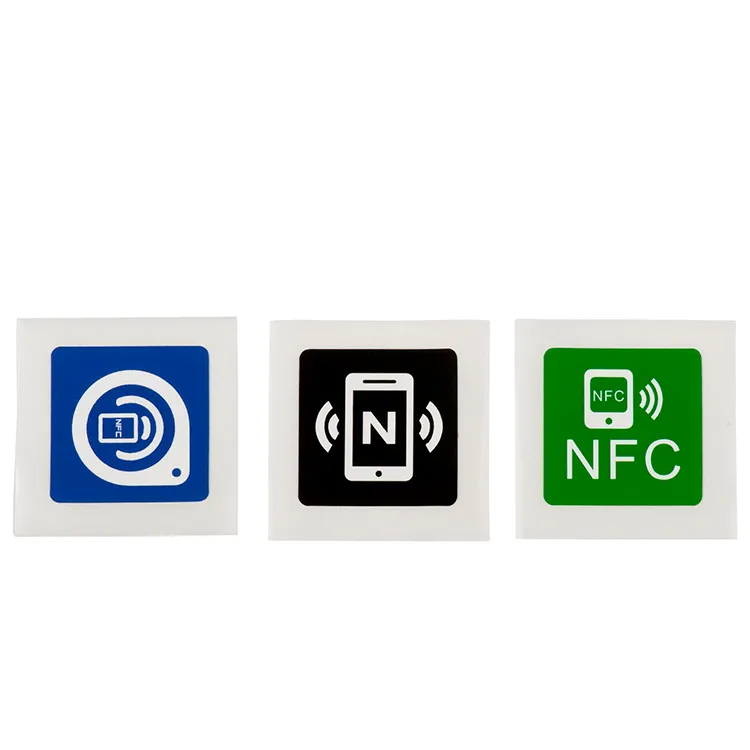
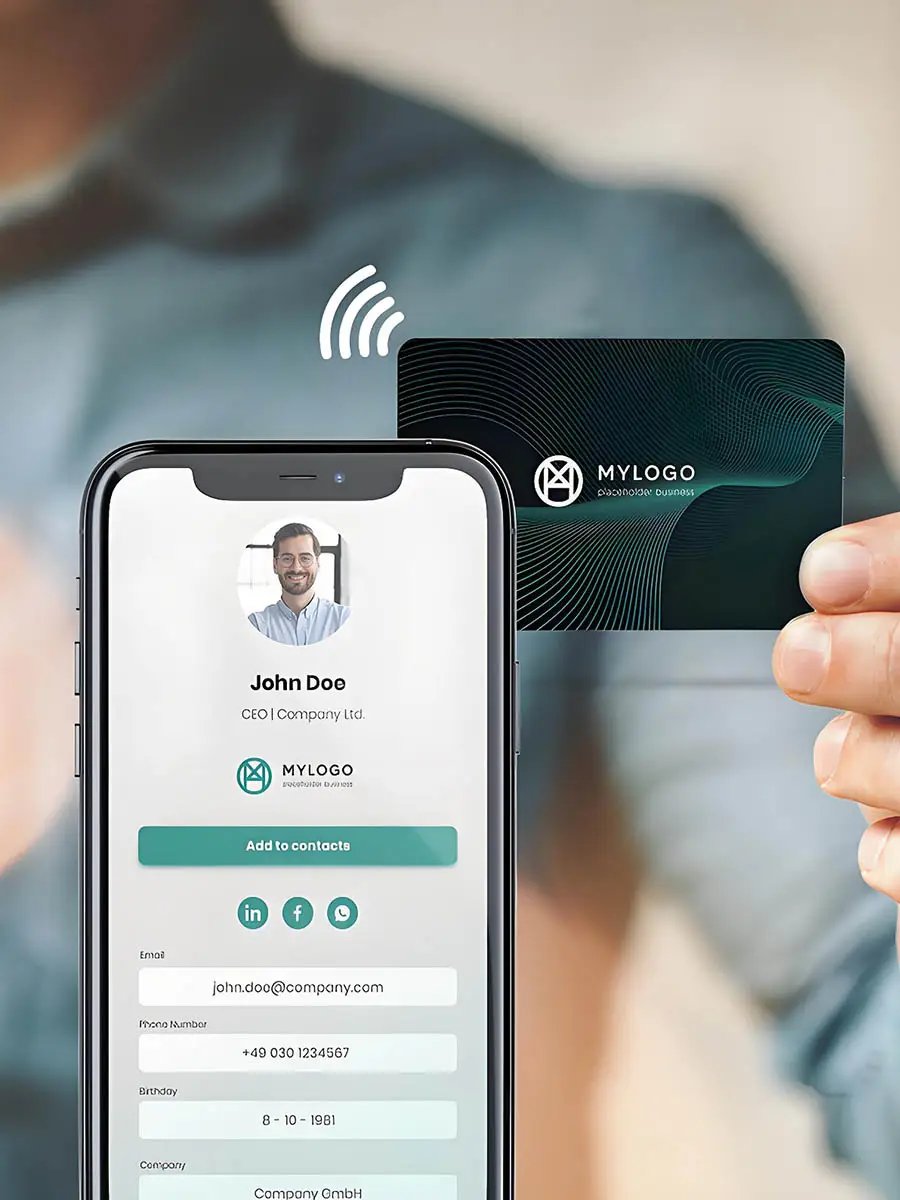
Hold a phone near a sticker and a web page opens, with no battery in the sticker and no app to install. The mechanism is well defined, and understanding it is the difference between a tap that works on every phone in a pilot and one that quietly fails on half of them. This explainer covers the physical link, the data format a phone actually reads, and the specific ways iPhone and Android differ, so you can specify a tag that behaves the same in every hand.
For the tags themselves, see our NTAG213 NFC labels; if you need to hand encoding to a supplier, our RFID encoding service page sets out what to agree first.
Table of Contents
The physical link, in plain terms
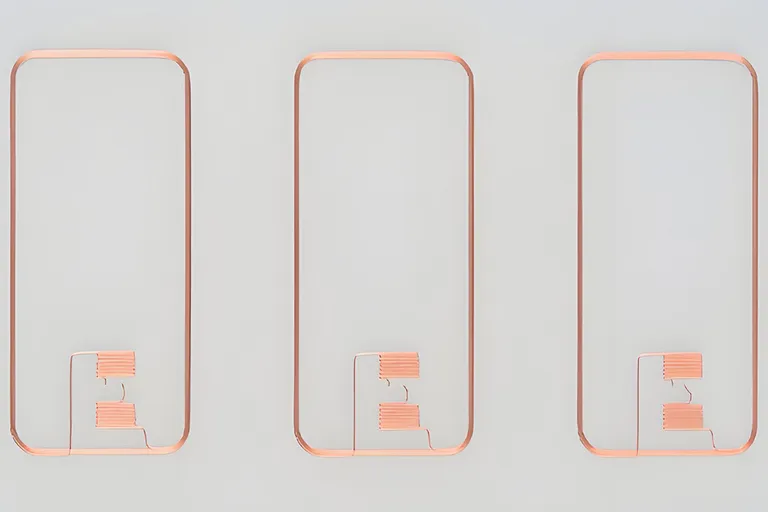
Near Field Communication runs at 13.56 MHz. The phone is the active device: its coil generates an alternating magnetic field, and when a tag comes within a few centimetres, that field induces a current in the tag’s antenna. The current powers the chip, which replies by switching a small load across its own antenna, a technique called load modulation that the phone decodes as data. The tag has no power source of its own; the phone lends it one for the length of the tap.

A few consequences follow directly:
- Range is short by design, from contact to a few centimetres, and depends on both antennas rather than on the chip alone.
- Standard NFC Forum Type 2 tags such as NTAG213 communicate at 106 kbit/s, which is ample for a URL but not for large files.
- An NTAG213 has only its two antenna connections, so the power it draws runs the chip and nothing else; a tag that lights an LED or drives a sensor has to be built for it.
Why an unformatted tag does nothing
A blank chip has memory but no message. When a phone reads it and finds no valid NDEF structure, there is nothing to act on, so nothing opens. NDEF, the NFC Data Exchange Format defined by the NFC Forum, is the agreed way to arrange bytes so that a phone the tag has never met still knows what the content is and what to do with it.
An NDEF message holds one or more records, each with a short header and a payload. The common types are a URI record for a web address, a Text record with a language code, and MIME records for data such as a contact card. A URI record is compact because a single prefix byte stands in for a common scheme, so https:// costs one byte rather than eight. How many URL characters that leaves on each chip after the tag’s own framing is worked out in NTAG213 vs NTAG215 vs NTAG216. The practical rule for cross-platform work is simple: write a well-formed NDEF message, and prefer an https URL, which launches most reliably on both platforms. A tag carrying raw bytes rather than NDEF may read fine in a diagnostic app yet trigger nothing on a consumer phone. The companion post on RFID data encoding and memory covers how that message is laid out inside the chip.
Background reading on iPhone
This is where most surprises live. From iPhone XS (2018) onward, running iOS 12 or later, the phone reads a well-formed NDEF tag in the background, with no app open. A notification appears and tapping it opens the record. Apple says background reading happens only while the iPhone is in use, and a locked iPhone asks to be unlocked before it passes on the tag data; reading is also unavailable while the camera, Apple Pay Wallet or an app’s NFC reading session is in use (Apple Core NFC documentation). The iPhone 7, 8 and X have NFC but no background reading: the user turns on NFC Tag Reader in Control Centre, available from iOS 14, or opens an app built on Apple’s Core NFC framework. Apple’s list of models that support NFC Tag Reader starts at iPhone 7, so earlier iPhones need a printed QR code beside the tag. Writing to tags from an iPhone arrived with iOS 13, again through an app.
Two details matter when you specify a project for iPhone users. First, the background reader looks for a URI record holding a universal link or a supported URL scheme; Apple’s list covers website URLs over both http and https, plus schemes such as mailto, sms and tel, but not custom URL schemes. Second, Safari itself cannot read or write tags, so any bespoke reading or writing flow on iPhone needs a native app.
What Android does with the same tag
Android requires every NFC-equipped device to read NDEF messages on NFC Forum Type 1 to 4 tags, so a well-formed Type 2 tag such as NTAG213 reads on any NFC Android phone (Android Ndef reference). Android phones usually look for tags while the screen is unlocked, unless NFC is switched off in Settings, and route each read through the tag dispatch system, which opens a link record and passes other records, such as a contact card, to an app registered for that type; if no app handles a record, nothing happens. Recent versions change how web links open: from Android 16 a tag holding an http or https link opens it as an ordinary link, and from Android 17 the phone first shows an “open link” notification that the user taps (Android NFC basics). Android also supports the Android Application Record (AAR), which starts a named app, or opens Google Play to install it. The iPhone’s background reader looks only for a URI record, so a tag whose message carries an AAR but no URI record starts the app on Android and does nothing on an iPhone. For a design that must serve both, use one https URL that your own domain resolves, and let each platform route it.
Antenna position, metal and other physical realities
Whether a tag reads is as much about placement as about the chip.
- Antenna position. Apple tells iPhone users to hold the top of the phone near a contactless reader (Apple Support), and a tag is read the same way. Android antenna positions vary by model, so an instruction that names one spot for every phone will be wrong for some users; check the wording on the phones your audience carries.
- Metal surfaces. A label placed directly on metal is detuned and may stop reading. Specify an on-metal (ferrite-backed) construction for a metal surface and test it in place rather than on the bench.
- Cases and accessories. Metal close to the phone’s antenna, such as a metal plate or ring holder on a case, detunes it in the same way and can shorten the range or stop the read. Test with the cases your users actually carry.
What a tap can and cannot trigger
A tag can open a web address, present text, or hand a phone a Wi-Fi or contact record where the platform supports it, and it can launch an app through a link that app has registered. It cannot run arbitrary code on the phone, cannot force an action when the record type is unsupported, and cannot by itself prove that a product is genuine: a static NDEF record can be copied byte-for-byte onto another tag, which then reads identically. Where each tap must be cryptographically verifiable, evaluate an NTAG424 DNA label, which signs every read so a server can tell an original from a clone.
| Question | iPhone (XS and later, iOS 12+) | NFC-capable Android |
|---|---|---|
| Background read, no app | Yes, well-formed NDEF; a notification to tap | Yes, through tag dispatch; web links show a notification from Android 17 |
| Reads Type 2 (NTAG213) | Yes | Yes |
| Honours Android Application Record | No | Yes |
| Preferred URL scheme | https |
https |
| Writing tags | Through an app, iOS 13+ | Through an app |
Specifying a tag that works everywhere
Choose a widely readable chip such as NTAG213 for a simple link, encode one well-formed https record on a domain you control, and keep the destination content on that page so it can change without re-encoding. Then test the encoded sample on the actual phone models and cases your audience uses, in the tag’s final position on the finished product, before you approve artwork or a batch. For the label range, browse RFID labels, and send your requirement with the target phones and mounting surface so a sample matches the real conditions.