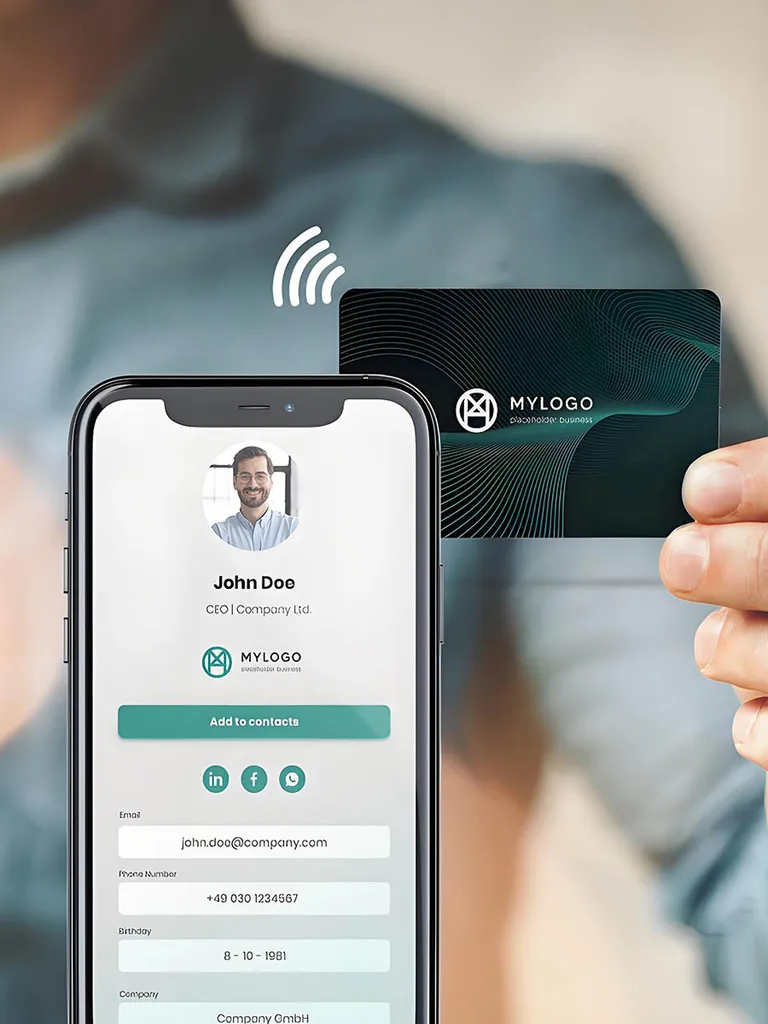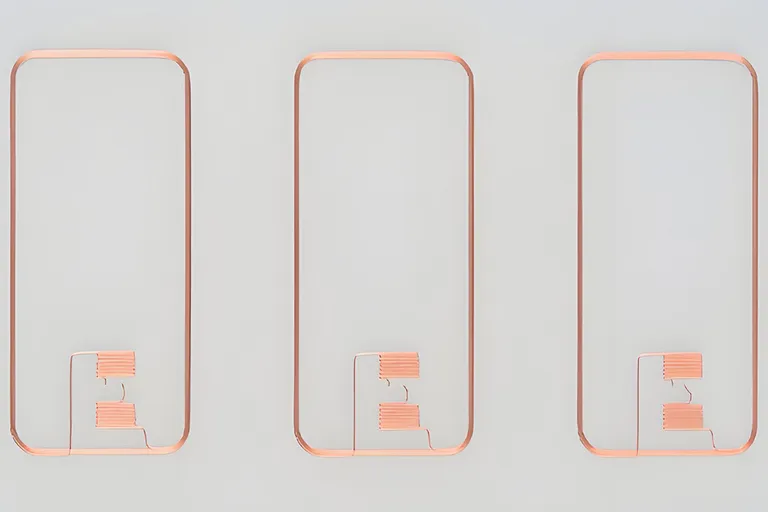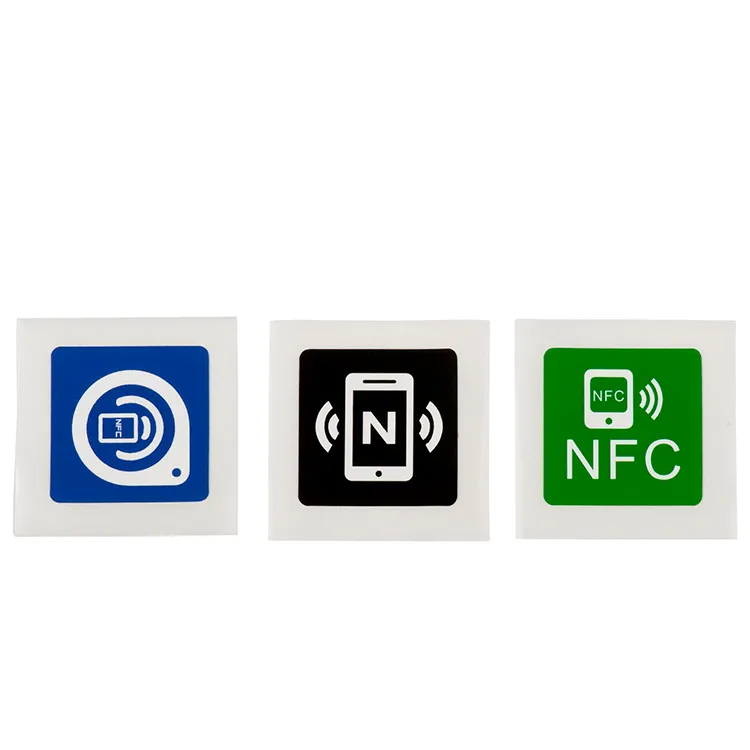
An NFC tag ships blank. Until something is written to it, a tap does nothing: no page opens, no action runs, the phone simply reports an empty tag. Programming is the single step that turns a blank NTAG213 label or ring into a working credential or link. This guide covers what you are actually writing, the tools for a few tags versus a few thousand, the locking decisions that cannot be undone, and the point at which it is cheaper to have the tags encoded for you.
Table of Contents
How to program NFC stickers, step by step
To program an NFC sticker, open an NFC writing app such as NFC Tools or NXP TagWriter, add a record (usually a URL), start the write and hold the sticker to the phone’s NFC antenna until the app confirms.
- Prepare the phone. On Android, switch NFC on and unlock the screen (Android NFC basics). On an iPhone 7 or later, the writing app starts the scan when you tap Write.
- Add the record. Choose URL and paste the complete
httpsaddress. - Write. Hold the sticker still against the antenna (usually the upper back on Android, the top edge on iPhone) until the app confirms; moving it mid-write can cause errors (NFC Tools troubleshooting).
- Verify with a different phone, ideally one Android and one iPhone.
- Protect and place it. Leave it open, set a password or lock it (see locking and passwords), then retest on the real surface.
What you are writing: NDEF
Most consumer NFC tags — the NTAG21x family in particular — store an NDEF message (NFC Data Exchange Format). NDEF is the container that phones understand: a small wrapper holding one or more records, each with a type. The common record types are a URI (a web address), a text record, a Wi-Fi configuration or a vCard contact.
A URL is the record you will write most often, and it is stored efficiently. NDEF replaces a common scheme with a single prefix byte, so https:// costs one byte rather than eight, and an NTAG213 with 144 bytes of user memory holds a web address of up to 132 characters after https://www. once the record framing is accounted for (NTAG213 vs NTAG215 vs NTAG216 works through the bytes). Long tracking parameters or a full contact card are what push a design up to NTAG215 or NTAG216. The chip families and their memory maps are set out on the NTAG213 label page; the point for programming is that you are writing a structured message, not raw bytes, and a phone reads only a well-formed NDEF record. To see the exact bytes of your own link, text or contact card, and whether it fits an NTAG213, NTAG215 or NTAG216, paste it into our NDEF generator and tag capacity checker.
NDEF record types: a short data dictionary
Every NDEF record carries a 3-bit Type Name Format (TNF) in its header that says how to read its type (Android NdefRecord reference):
| TNF | Name | Holds |
|---|---|---|
| 0 | Empty | Nothing |
| 1 | NFC Forum well-known | URI, Text and Smart Poster records |
| 2 | MIME media | Data named by a media type, such as a vCard |
| 3 | Absolute URI | A URI written in full in the type field |
| 4 | NFC Forum external type | Application-specific data named by a domain |
| 5 | Unknown | An untyped payload |
| 6 | Unchanged | A later chunk of a split record |
For a tap that works on both platforms, write one well-known URI record with an https address: iPhone background reading uses only the first URI record and does not support custom URL schemes (Apple Core NFC).
For a handful of tags: a phone app
For ten tags or a quick test, a phone and one of two widely used apps are enough:
- NFC Tools (Android and iOS) reads, writes and copies tags, supports every common record type, and can lock or password-protect a tag.
- NXP TagWriter (Android and iOS) writes data sets such as URLs, Wi-Fi settings and text; its Android version also lists contacts, write-protection and sequential writing from CSV datasets.
Both are third-party apps. Proud Tek supplies the tags, desktop reader/writers and encoding, but no phone apps or software of its own; a reader’s SDK comes from its maker.
Programming NFC tags on Android and iPhone
Android phones with NFC, which must support NDEF on NFC Forum Type 1–4 tags (Android Ndef), and iPhone 7 or later both write NTAG stickers and cards from an app. iPhones need iOS 13 or later for writing, and current NFC Tools and TagWriter releases need iOS 15.6. The differences are MIFARE Classic support and reading: Android usually looks for tags whenever the screen is unlocked and NFC is on, while an iPhone XS or later reads URL tags in the background.
| Topic | Android | iPhone |
|---|---|---|
| MIFARE Classic | Optional and hardware-dependent (Android MifareClassic) | Not among Core NFC’s MIFARE families (NFCMiFareFamily) |
| Permanent lock from an app | makeReadOnly() is “a one-way process” (Android Ndef) |
writeLock is “a permanent action” (Apple) |
For larger runs: a desktop reader and software
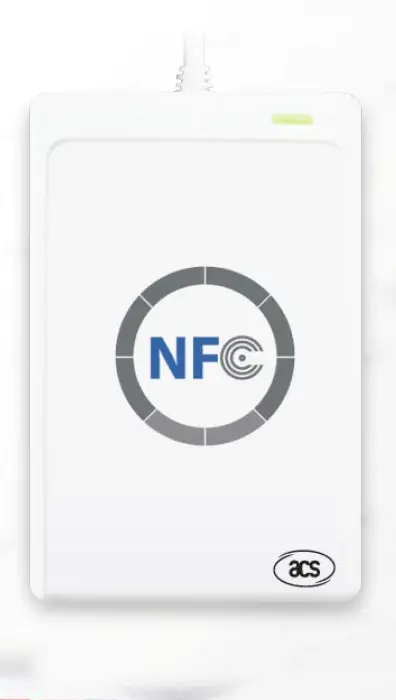
Past a few dozen tags, a phone becomes tedious and error-prone. A USB desktop reader such as the ACR122U or a reader with a free SDK plugs into a computer and encodes tags from a script. Place the tag on the reader, the software reports its UID, chip type and free memory, you create the NDEF record, and write. The gain over a phone is repeatability: a script can loop through a CSV or database, write a different URL to each tag, and log every UID against the value it received, so a field failure later can be traced to a specific write.
Two habits pay for themselves at volume. Read the tag back after each write and compare it to the intended data, rather than trusting that the write returned success. And feed the script your complete production URL, UTM parameters and all — a shortened demo URL that fits is no proof the real one does.
How to program NFC cards
To program an NFC card, open a writing app such as NFC Tools or NXP TagWriter, add a URL record, and hold the card flat against the phone’s NFC antenna until the app confirms. NTAG213, NTAG215 and NTAG216 NFC cards write this way on Android and iPhone. Two exceptions:
- MIFARE Classic cards are not an NFC Forum type, so phone support is uneven (table above); specify NTAG for cards that phones must read.
- Access, hotel and cashless cards are written by the system’s own enrolment software or encoder, with its keys and data layout. We supply the cards and can encode them to your system provider’s layout, but not the locks, access-control systems or software.
Locking and passwords
After writing, you decide whether the tag can be changed again. NTAG21x chips give you three levels, and one of them is permanent:
- Leave it open. Anyone with an NFC phone can overwrite the record. Fine for personal tags and testing; unwise for anything a stranger can reach.
- Password protection. NTAG21x supports a 32-bit password (PWD) with a 16-bit acknowledge (PACK). A reader must present the password before a protected write is accepted, so authorised staff can still update the tag. This is the right default for most business deployments.
- Permanent lock (OTP lock bits). The static and dynamic lock bytes can be set to freeze memory pages against any further write. This is irreversible: once a lock bit is set it cannot be cleared, and a locked tag with a wrong URL can only be replaced.
Treat a password as a deterrent against casual rewriting, not as authentication. It does nothing to stop a static NDEF record being copied byte-for-byte onto another tag — the copy reads identically. A project that must prove each tap came from a genuine tag needs a cryptographic chip such as the NTAG424 DNA label, which signs every read.
Common mistakes
- Writing raw bytes instead of NDEF. Desktop tools may parse them; phones ignore them. Always write a formatted NDEF message.
- A URL too long for the chip. Measure the encoded record, not the visible URL, and size the chip to it.
- Skipping the read-back. Verify after writing; write errors are rare but not zero across a large batch.
- Locking by accident. Setting lock bits when you meant to set a password is the one mistake with no undo. Double-check the lock configuration before every write.
- Testing the wrong surface. A label reads on the bench and fails on a metal object or through a case. Test on the real surface with the real phones.
When to order tags pre-encoded
In-house encoding suits low volumes and destinations that change often. Beyond that, having the tags encoded before they ship removes the reader, the script and the read-back from your workload. When we encode an order, every tag is read back after it is written, and the order ships with a data report plus, for tags printed with a number, a file that maps each tag’s UID to that number; both come in Excel, CSV or XML. It is the sensible route when the volume is high, when each tag needs a unique serialised URL, or when the chip requires per-chip keys that a phone app cannot set — NTAG424 DNA among them. If that is your situation, the RFID encoding service covers the data format and sample approval; confirm who owns the destination URL and how the tags are locked before the batch runs.
Whichever route you take, the acceptance test never changes: a real person taps a finished tag with a real phone, and the right thing happens.
Common questions
Can I reprogram an NFC sticker or card?
An NTAG21x sticker or card, yes, unless it is permanently locked; a password-protected tag accepts a new record once the password is presented. Cards and tags that use keys, such as MIFARE Classic, DESFire or NTAG424 DNA, can be rewritten only as their key and access settings allow.
Why won’t my phone write to the NFC tag?
Usually NFC is off, the tag moved during the write, the record exceeds the chip’s memory, the tag is locked or password-protected, metal or a case is in the way, or the phone lacks support for the chip, such as MIFARE Classic (NFC Tools troubleshooting).