Analytics cookies. Can we use Google Analytics and its cookies to see how visitors use this site? Change this any time under Cookie settings in the footer. Privacy policy
A Java Card is a smart card that runs code — NXP JCOP chips with a Java Card OS that loads your applets after issuance — the platform behind bank cards, eIDs and transit cards that need post-issue updates.
NXP JCOP Java Cards for integrators who load and manage their own applets. Select the exact chip, Java Card version and contact or dual interface to match your software and reader. For a quotation, specify quantity, printing, initialisation state and key-handover requirements. Confirm applet compatibility and delivery configuration with a sample before ordering a batch.
Match the applet’s Java Card version, required APIs and cryptographic operations to the exact card configuration. Test installation and use before approving a batch.
Available on a wide range of silicon form factors, including smart cards, embedded chips, secure enclaves within CPUs and MCUs, and removable SIMs.
Security:
Java Card relies on the inherent security of the Java programming language to provide a secure execution environment.
An open design process, proven industry deployments, and high-level security evaluations make it one of the most capable and secure technologies available today.
Regularly updated with state-of-the-art cryptography algorithms, modes, and protocols.
Multi-Application Support:
Enables multiple applications from different vendors to coexist securely on a single secure element.
For example, several payment schemes can be included in the same chip or a SIM application can coexist with device security services in an embedded secure element.
Extensibility and Updatability:
New services can be developed using standards-based Java tools and deployed during the life of a Java Card product.
Remote management and upgrade of applications allow service providers to adapt to security threats.
Choices:
The JCOP card J3R100/J3R110/J3R150/J3R180/J3R200 developed by NXP is an implementation of Java Card 3.0.5 Classic and GlobalPlatform Card Specification 2.3. The NXP JCOP 4 P71 JAVA card is available in:
1, EMV version (for payment applications),
2, SecID version (for identification applications).
TRY NOWWATCH VIDEO
Features of JCOP 4 P71
Major Improvement of JCOP 4 P71:
1, JCOP4 P71 series JAVA card is another pinnacle after the J2A, J3A, J3D, and J3H series. It ensures high security and high performance from the foundation, and adds the data storage capacity uses a Flash chip to make the chip’s computing speed faster and more stable. Before the J3H series JAVA (inclusive), EEPROM chips were used, and after the J3R series (inclusive), Flash chips were used.
2, The JCOP4 P71 chip is divided into EMV and SecID versions. The EMV version is mainly used in the financial field; the SecID version is mainly used in the electronic identity field. The ECC algorithm is mainly used in the electronic ID card field. The ECC algorithm and Gen Key encryption algorithm are mainly used in the electronic ID card field. At present, the J3R SecID series has obtained the CC EAL 6+ certificate.
3, The RAM (trasient memory) of the J3R series JAVA card has a total of 4K, which is 0.8K more than the J3H series, and the APDU Buffer Size is even larger.
READ MORE
Personalization:
Specify the required JCOP part and delivery state in your enquiry. Ask which initialisation steps are complete and how any transport or card-manager keys will be handed over.
Confirm the documentation and initialisation support included with the offered card. Validate the process with your loader and reader before ordering a batch.
For an existing project, provide the expected ATR, interface and T=0 or T=1 requirements. Agree any supplier initialisation in the quotation.
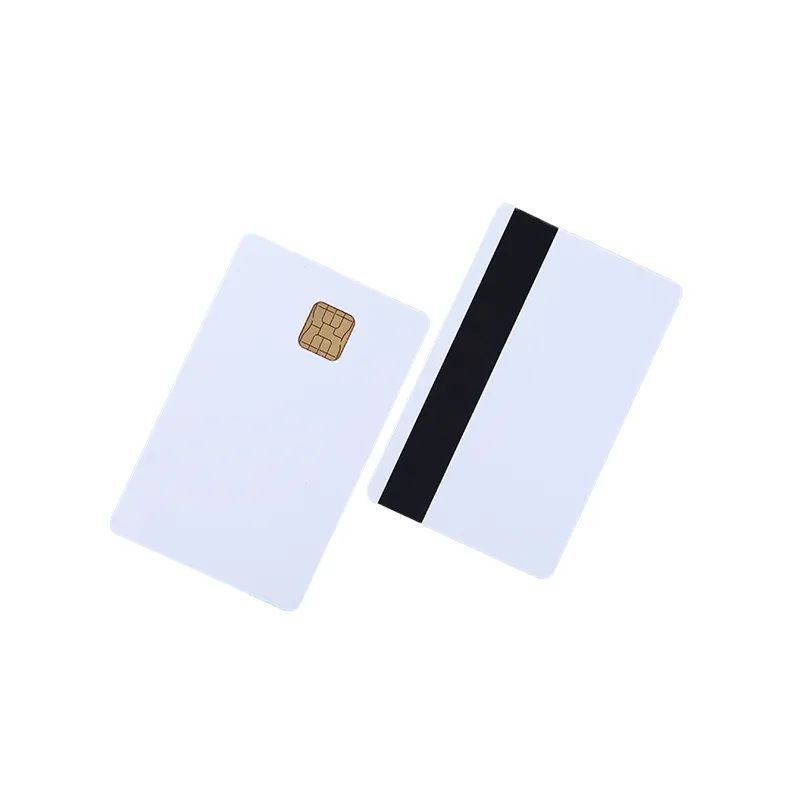
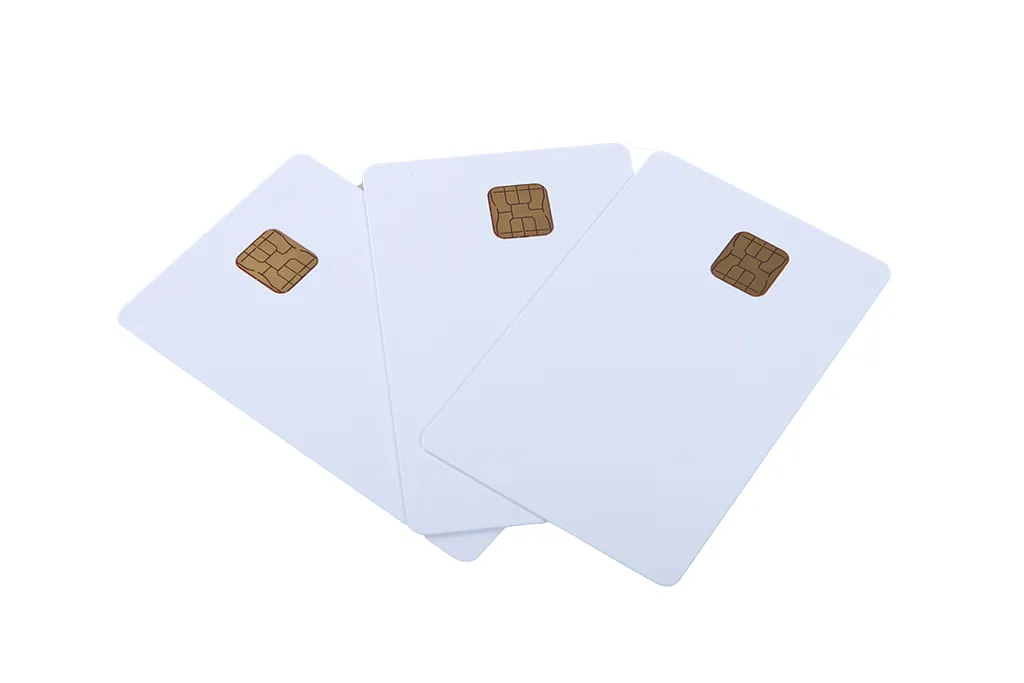
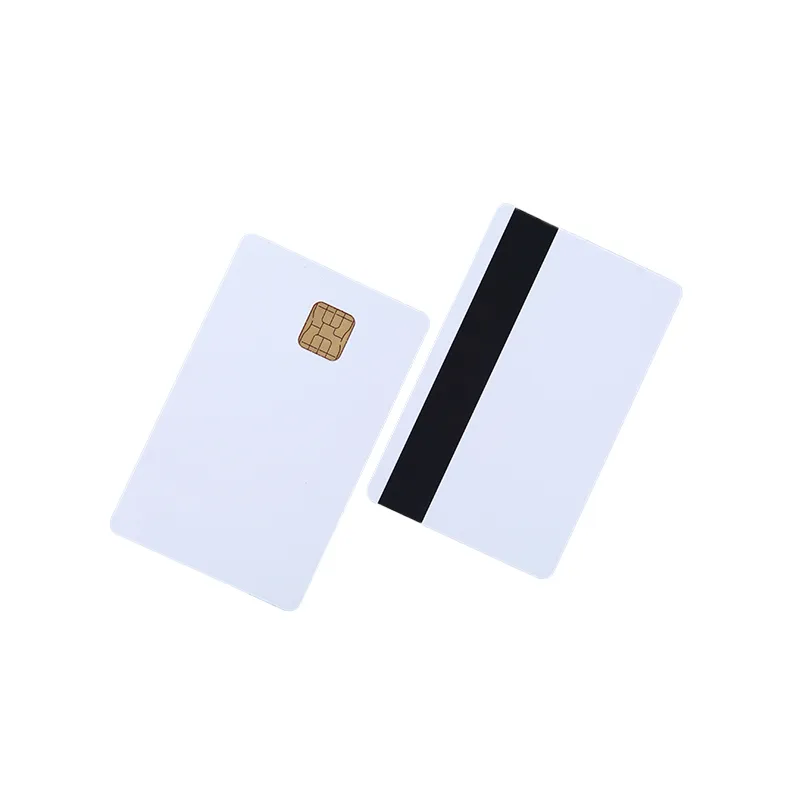
NXP smart card chip NXP J3R180 chip card CPU card JCOP card can be packaged as standard cards with high coercivity magnetic stripes. We can provide blank cards or print them as colored cards. Feel free to inquire and place orders!
Specification:
Algorithm
RSA 4096 bits
AES
sha1/sha224/sha256/sha384/sha512
3DES (confirm supported modes for the offered part)
SEED (confirm support for the offered part)
ECC FP 160 bits to 521 bits
Specifications
ISO/IEC 7816-3 ;ISO/IEC 14443 Type A
Java Card 3.0.5 Classic; Java Card 3.0.4 Classic
GlobalPlatform 2.3 ;GlobalPlatform 2.2.1
EMV ICC Specifications for Payment Systems 4.3 EMV Contactless Specifications for Payment Systems (Book D) 2.6 EMVCo
Card Printing: 4/6 color offset printing, UV printing
Magnetic Stripe: Hi-Co, Lo-Co
Sim Card Size Cutting
Jave Token – Java Card in USB Key Format
Disposable Password Card
appliance
E-Government; Banking and Finance; Public Transportation; Access Control; Mobile; Membership Cards; PIV; FIPS
How a Java Card works, in buyer’s terms
A Java Card runs applets on the Java Card platform. For procurement, the important checks are the platform version, supported APIs, available memory, interfaces and card-management configuration. Loading an applet also requires the appropriate permissions and keys. A blank card alone is not a ready-to-use identity, payment or transit credential: the application, issuer configuration and system acceptance must be established for the project.
NXP JCOP generations: J2A040 to JCOP 4 P71
Most Java Cards on the market are NXP’s JCOP family, and the part number tells you the generation, the interface and the memory. Older parts are still sold because a great deal of open-source and enterprise tooling was written against them.
Part
JCOP / Java Card / GlobalPlatform
Interface
Memory
Notes
J2A040
JCOP 2.4.1, Java Card 2.2.2, GP 2.1.1
Contact
40 KB EEPROM
The classic developer card; widely used for OpenPGP, PIV and applet development. Often sold ‘unfused’.
J3A040 / J3A080
JCOP 2.4.1, Java Card 2.2.2, GP 2.1.1
Dual (contact + ISO 14443A)
40 / 80 KB EEPROM
Same generation with a contactless antenna.
J3D081
JCOP 2.4.2, Java Card 3.0.1, GP 2.2.1
Dual
80 KB EEPROM
Adds Java Card 3 APIs; common for OpenPGP and PIV cards with NFC.
J3H081 / J3H145
JCOP 3, Java Card 3.0.4, GP 2.2.1
Dual
80 / 144 KB EEPROM
Faster crypto co-processor, larger memory; used for FIDO2, OATH and multi-applet cards.
J3R110 / J3R150 / J3R180 / J3R200
JCOP 4 P71, Java Card 3.0.5, GP 2.3
Dual
110 to 200 KB flash
Current generation on the P71 secure element (CC EAL6+ hardware); EMV and SecID variants, the cards described above.
If your applet vendor or integrator specifies a part, begin with that requirement. Confirm the offered card’s platform versions, memory and enabled features against the applet documentation; some tooling also checks the ATR. For a new project or an alternative part, verify current supply and support, then test the full installation and operating workflow with samples.
What ‘unfused’ means
“Unfused” is used for cards whose pre-personalisation configuration has not been locked. The available settings and initialisation procedure depend on the exact JCOP product and delivery state. Ask the supplier to document that state, the required initialisation steps and the card-manager key handover. Do not assume default keys or applet-loading permission from the word “unfused” alone.
Typical applets and use cases
PIV and corporate PKI: confirm the chosen PIV applet’s card requirements and the organisation’s certificate and middleware configuration.
OpenPGP: private keys for signing, encryption and SSH authentication kept on the card.
FIDO2 / WebAuthn: check the applet’s compatibility, required cryptographic functions and any certification requirements for the intended deployment.
One-time passwords: OATH TOTP/HOTP applets for two-factor authentication.
Payment and transit: these projects require the scheme or issuer’s approved application, configuration and acceptance process; a blank card does not provide scheme membership.
eID and health: national ID, driving licence and health-insurance applications on the SecID variant, which is what the passport-style chip on this page refers to.
Loyalty and closed-loop schemes: issuer-written applets for campus, canteen or fleet cards that need cryptographic protection beyond what a MIFARE card offers.
Java Card, MIFARE DESFire or a dual-interface card?
Compare a MIFARE DESFire card when the application calls for its file and security model, and a Java Card when the project requires a supported applet. A dual-interface label does not establish MIFARE emulation or compatibility with a door reader. Confirm the exact chip option and validate each application independently. See the dual-interface card page for the format and the combi card page for cards that combine separate chips.
Card construction and personalisation
Body: ISO/IEC 7810 ID-1 in PVC, PET-G or polycarbonate, 0.76 to 0.84 mm, with the contact module embedded and, on dual-interface parts, an antenna laminated inside.
Printing: offset CMYK, Pantone, UV and digital printing; magnetic stripe, signature panel, hologram, photo and numbering.
Other formats: the same chip module cut to SIM/2FF or 4FF size for tokens and readers with a SIM slot; USB-token versions on request.
Initialisation: specify the delivery state, ATR and interface requirements. Agree the initialisation work, documentation and key handover in the quotation before sample approval.
Before you order
The exact part (J2A040, J3D081, J3H145, J3R180 and so on) or, failing that, the Java Card and GlobalPlatform versions your applet needs.
Contact only or dual interface, and whether MIFARE emulation is required.
Fused or unfused, and the ATR or interface settings if we initialise the cards.
Blank white, or printed to your artwork with a magnetic stripe or numbering.
Quantity and delivery date; samples are available for testing with your applet and reader.
What Proud Tek supplies
We supply NXP JCOP Java Cards; specify the part number, card format, printing and initialisation requirements in your enquiry. Confirm the delivery state and key handover with the quotation. We do not write applets or supply middleware. For dual-interface cards, the ACR122U is a PC/SC contactless reader option; the µFR Classic CS uses its own SDK by default and has a separate Windows PC/SC driver. Contact-only cards need a contact reader. Test the card, reader, operating system and applet loader together. Browse all our RFID and smart cards.
Specify your Java Card order
Send with your enquiry
Share the exact chip or approved alternative, Java Card version, interface and applet requirements. State the initialisation and key-handover configuration you need.
Approve a sample
Use your own loader, reader and applet to verify installation and the required operations. Record the card configuration that passes your test.
Confirm the quotation
Ask for the offered part number, delivery state, sample terms, printing options and batch lead time. Keep the approved configuration with your reorder specification.
What is the difference between J2A040, J3D081, J3H145 and J3R180?
These part numbers refer to different JCOP products and configurations. Use the applet vendor’s requirements to check Java Card and GlobalPlatform versions, interface, memory, cryptographic functions and enabled options. Ask for the exact offered part and supporting product documentation; validate any alternative with your applet and reader before ordering.
What does ‘unfused’ mean for a JCOP card?
The term refers to an unlocked pre-personalisation configuration, but the settings and procedure depend on the specific JCOP product. Confirm the delivery state, initialisation instructions and key-handover process. “Unfused” does not by itself confirm that a particular applet can be loaded or that a default key applies.
Can I load my own applets onto the cards?
Applet loading depends on the card configuration, platform compatibility and card-manager permissions and keys. Include the applet’s requirements in your enquiry and agree the initialisation and key handover in the quotation. Use a sample with your own authorised loader, reader and applet to verify the process.
Can a Java Card also open doors with MIFARE readers?
Only if the exact card configuration and the installed door system support the required credential technology. Contactless or dual-interface capability alone is not enough. Ask the system integrator to specify the chip option, credential format and encoding, then test the access and applet functions separately.
Do you supply FIDO2 or PIV cards ready to use?
This page offers Java Card hardware for integration. Do not assume that a FIDO2, PIV or OpenPGP applet is included or approved for your system. Your applet provider or integrator should specify a compatible card, middleware and provisioning process; confirm the supplied card configuration before ordering.
Contact only or dual interface?
Choose the interface required by your reader and application. Specify contact-only or dual-interface operation and check which interfaces are enabled in the offered card. For a phone or contactless project, validate the exact applet, reader or phone and card configuration with a sample.
What reader do I need?
Choose a contact PC/SC reader for contact-only cards, or a reader with ISO 14443-4 APDU support for dual-interface cards. The ACR122U is a PC/SC contactless option. If your loader or middleware sends extended-length APDUs over the contactless interface of a dual-interface card, note that ACS lists extended APDUs of up to 64 KB for the ACR1252U and ACR1552U, two current models we also supply, but not for the ACR122U; applet loading itself normally uses short APDUs. Our µFR Classic CS uses the manufacturer's SDK by default; its separate PC/SC driver is for Windows, so do not assume the same integration on macOS or Linux. Confirm the loader or middleware, driver, APDU length and card configuration with a sample.
Buyer guides
Java Card and JCOP: The Smart Card OS ExplainedJava Card and JCOP explained: the JCVM and applets, GlobalPlatform, ISO 7816-4 APDUs, interfaces, unfused cards, and what to specify before ordering.
How to Read an RFID Tag Quotation, Line by LineWhat decides RFID card and tag prices, and how to compare quotations line by line: unit-price basis, tooling, encoding, samples, freight and Incoterms.