Analytics cookies. Can we use Google Analytics and its cookies to see how visitors use this site? Change this any time under Cookie settings in the footer. Privacy policy
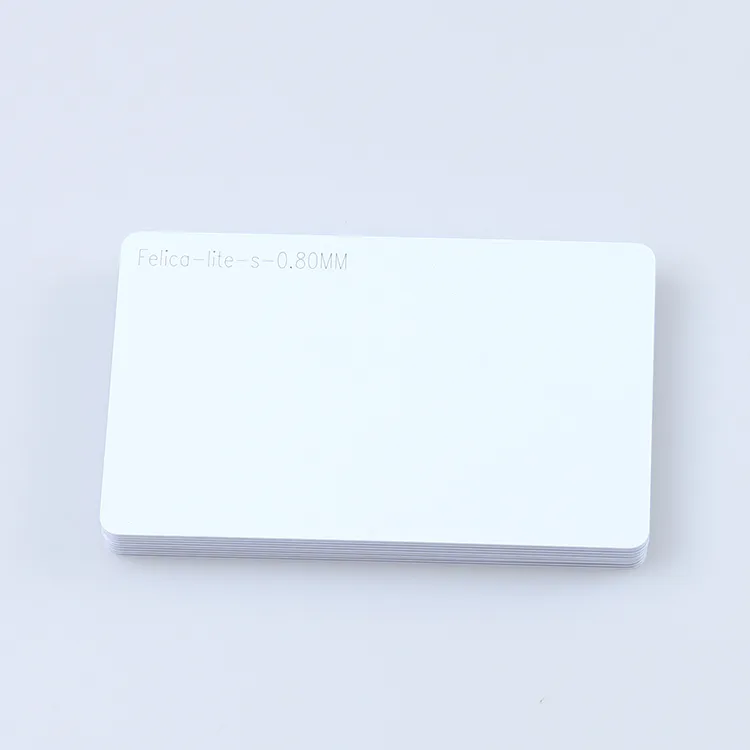
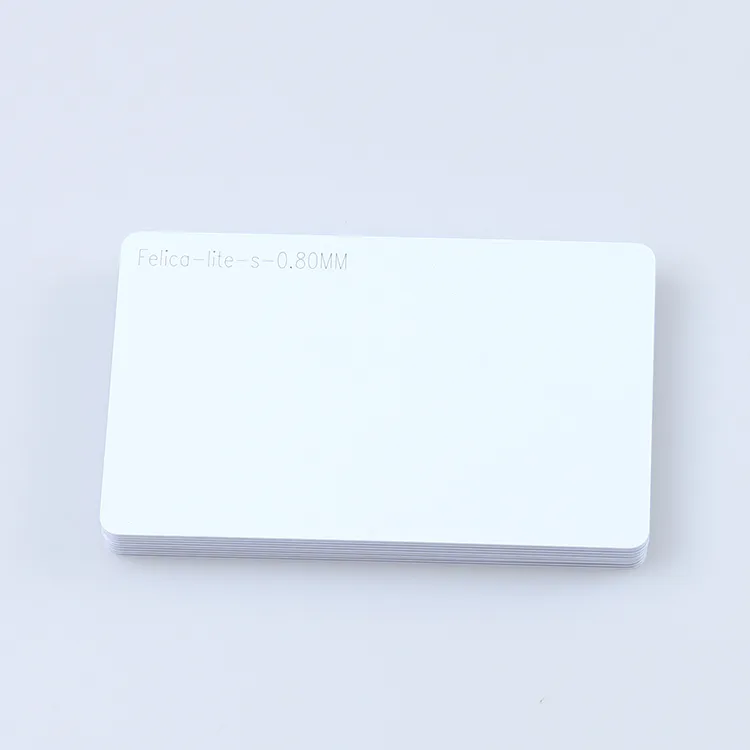
FeliCa is Sony's 13.56 MHz contactless standard — the technology behind Japan's Suica and Hong Kong's Octopus — and FeliCa Lite-S cards bring its fast transaction speed to closed-loop systems that don't need a transit network.
FeliCa Lite-S cards using Sony RC-S966 for applications that fit its 224-byte memory and MAC-based access controls. Confirm FeliCa support on your reader or phone app, along with data, key management, printing and quantity requirements. This listing is for Lite-S; these cards cannot become Suica, PASMO or Octopus credentials. Test samples with your application before ordering.
FeliCa is designed for quick transactions, making it suitable for environments where high-speed processing is needed, like public transit systems or retail payments.
2, High Security
FeliCa card supports strong encryption, making it secure for applications involving sensitive data, such as payments or personal identification.
3, Multi-Application Capability
A single FeliCa card can store multiple applications, meaning one card could be used for various services.
Specification:
Item
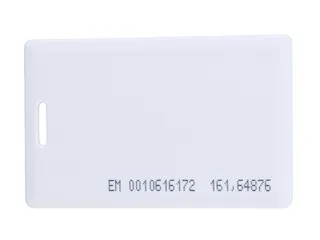
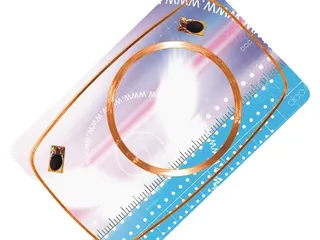
Felica Lite S Card
Material
PVC, PET, PETG.
Chip
Felica Lite S
Frequency
13.56 mhz
Protocol
JIS X 6319-4 / ISO/IEC18092 / NFC FORUM TYPE 3 TAG
Color
White.
Size
CR80 (85.5*54mm) or customized.
Reading distance
2-10cm, depending on readers
Write Endurance
100000 times
Working Temperature
-40°C to 65°C
Data Retention Time
10 years
Printing Options
Offset Printing, Silk-screen printing, UV printing, digital printing, etc
Crafts Available
Number printing or laser engraving, Bar code, QR code, etc.
What FeliCa is
FeliCa is Sony's contactless smart-card technology. It runs at 13.56 MHz like MIFARE, but it uses its own air interface, standardised in Japan as JIS X 6319-4 and included in ISO/IEC 18092 as the NFC-F passive communication mode at 212 or 424 kbit/s. It is the technology behind Japan's transit and e-money cards and Hong Kong's Octopus card, and it is built into the phones sold in Japan as Osaifu-Keitai and into recent iPhones.
Because the protocol is different, a FeliCa card is not read by a reader built only for ISO/IEC 14443 Type A (MIFARE) cards, and a MIFARE card is not read by a FeliCa-only reader. The NFC controllers in phones and multi-protocol desktop readers handle both. This is the first thing to settle in a FeliCa project outside Japan: confirm the reader side before choosing the card.
FeliCa Lite-S: what the chip offers
Our card carries FeliCa Lite-S (Sony RC-S966), the low-cost member of the family intended for tags, membership and event cards rather than for payment. From Sony's published specification:
224 bytes of user memory arranged as 14 blocks of 16 bytes, with the fixed system code 88B4h.
MAC-based read and write access control: the card generates a message authentication code from a key it holds, so a reader can verify that the card is genuine and the card can refuse writes that are not authenticated. Lite-S extends the original FeliCa Lite with this MAC-protected writing.
NFC Forum Type 3 Tag: an NDEF record written to it (a URL, text or a contact) is read by NFC phones that support Type 3 tags.
The FeliCa command set, so existing FeliCa reader infrastructure recognises the card.
Read range of 2–10 cm, 100,000 write cycles and 10-year data retention, as listed in the specification above.
FeliCa Lite-S or FeliCa Standard?
FeliCa Standard supports multiple services and security features for applications such as access control, transit and payment. Unprinted Standard cards are available through business suppliers, with the necessary issuance and personalisation arrangements. Buying a blank card does not grant access to an existing operator's scheme: our Lite-S cards cannot become Suica, PASMO or Octopus cards. This page offers Lite-S for applications whose reader, memory and security requirements it meets, such as membership, events or NFC tags. For a Standard project, confirm the chip, issuance process and key management with the system provider; Standard supply is outside the scope of this product listing.
FeliCa and MIFARE compared
FeliCa Lite-S
MIFARE Classic 1K
NTAG213
Air interface
ISO/IEC 18092 NFC-F (JIS X 6319-4)
ISO/IEC 14443A
ISO/IEC 14443A, NFC Forum Type 2
Data rate
212 or 424 kbit/s
106 kbit/s
106 kbit/s
User memory
224 bytes
1 KB, 752 bytes usable
144 bytes
Security
MAC authentication with a per-card key
Crypto-1, broken since 2008; usually used by UID only
32-bit password, no encryption
Main markets
Japan, Hong Kong and venues with FeliCa readers
Access control, membership and hotels worldwide
NFC tags and marketing worldwide
Read by phones
iPhone through Core NFC apps (iOS 13 and later); Android with NFC-F support
Android with an NXP NFC chip; not iPhone
Compatible NFC phones and NDEF applications; test target devices
If your readers are FeliCa readers, the choice is made. If the readers are still to be chosen, compare the ecosystems: MIFARE and NTAG have far more reader and software options outside Japan, while FeliCa is the default in Japanese venues where the reader base and the visitors' phones already speak it. See MIFARE Classic cards and NFC cards for the alternatives.
Readers and phones that read FeliCa Lite-S
Select a reader whose documentation lists FeliCa and verify the operations your application needs. The ACR122U, which we supply, lists FeliCa support; verify its driver and your application's commands with a sample card before purchase. Do not infer FeliCa support from the µFR Classic CS being a 13.56 MHz reader. For phone use, test the actual device, operating system, app and data format.
Card body and printing
Specify the required card material, dimensions, print finish and variable data such as serial numbers, barcodes or names. Confirm the offered construction in the quotation and test the finished sample with the intended reader. Keep the approved artwork and technical specification for repeat orders.
Before you order
Readers: the make and model of the readers or the phone app that will read the card, confirmed as FeliCa-capable.
Lite-S or Standard: this listing supplies Lite-S. If the application requires Standard, ask the system provider to confirm the required card, issuance arrangements and key management; a blank card does not provide operator authorisation.
Data: what goes into the 224 bytes, as an NDEF record or as raw block data, and whether the MAC key will be set by you or by us from a key you supply.
Artwork and personalisation: blank white, printed, numbered.
Samples: a few blank cards to test on your readers before the printed batch.
What Proud Tek supplies
This listing covers FeliCa Lite-S cards for applications that accept the specified configuration. Confirm material, printing, initial data and any encoding requirements in the quotation. Compare MIFARE DESFire cards, NFC business cards and printed RFID cards when specifying another card family or format. Transit and payment scheme credentials and FeliCa Standard supply are outside this listing.
Check FeliCa Lite-S against your application
Send with your enquiry
Share your reader model, application, data layout and access-control requirements. Confirm that your project calls for the Lite-S product listed here.
Approve a sample
Test the required read, write and authentication operations using your own application. For phone use, include the actual phone models and app in the trial.
Confirm the quotation
Ask for the exact chip, initial data and key configuration, printing and sample terms. Record the approved specification before ordering or reordering.
Can I use this card as a Suica, PASMO or Octopus card?
No. Transit and e-money cards use FeliCa Standard chips issued and keyed by the scheme operator. A blank FeliCa Lite-S card cannot be added to those schemes, and it cannot be used for payment in shops. Lite-S is for your own application on your own readers: membership, events, attendance, lockers or NFC tag cards. See RFID cards for the other chip families we supply.
What is the difference between FeliCa Lite-S and FeliCa Standard?
FeliCa Standard supports multiple services and is available as unprinted cards through business suppliers, with issuance and key-management arrangements appropriate to the application. It cannot join a transit or payment scheme without that operator's authorisation. FeliCa Lite-S (Sony RC-S966) has 224 bytes of memory, a fixed system code and MAC-based access control. Our cards on this page carry Lite-S; verify that its capabilities meet your application's requirements. For another multi-application card family, compare MIFARE DESFire cards.
Will my MIFARE reader read a FeliCa card?
A reader must specifically support FeliCa and the required operations. Support for MIFARE or a 13.56 MHz frequency rating alone does not establish this. The ACR122U, which we supply, lists FeliCa support; check its driver and your application with a sample card before ordering.
Can iPhones and Android phones read a FeliCa Lite-S card?
Compatibility depends on the device, operating system, app and card data format. Check FeliCa support in the application and test your intended read, write or authentication workflow on the target phones. For a project that opens a URL, compare NFC cards and validate the encoded NDEF record with the actual phones you expect customers to use.
How much data does a FeliCa Lite-S card hold?
224 bytes of user memory in 14 blocks of 16 bytes, which is enough for a web address, a member number with a short text record, or a compact contact record. Writes are protected by the card's MAC function when a key is set, and the chip is rated for 100,000 write cycles with 10-year data retention. For larger NDEF payloads see the NFC business card with NTAG216.
Which desktop reader should I buy for FeliCa cards?
Start with a reader whose manufacturer lists FeliCa support, then verify its driver and the application commands you need. The ACR122U, which we supply, is one listed model, and the two newer ACS readers we supply for new designs, the ACR1252U and ACR1552U, list FeliCa as well. The ACR122U page shows the host setup and commands, and how the two newer models name a FeliCa card in the ATR. Do not assume that identifier reading also proves block writing, authentication or NDEF support in your software.
Can you print and number the cards?
Yes. Include artwork, material, serial numbers, barcodes or names in your enquiry, confirm the finishing process and variable-data format in the quotation, then approve a finished sample. For a numbered run we add an Excel, CSV or XML list of each card's chip ID (the IDm on FeliCa) against its printed number, and cards we encode are read back one by one, with a data report for the order; the RFID encoding service page has the details. See printed RFID cards for printing options to discuss.
How to Read an RFID Tag Quotation, Line by LineWhat decides RFID card and tag prices, and how to compare quotations line by line: unit-price basis, tooling, encoding, samples, freight and Incoterms.