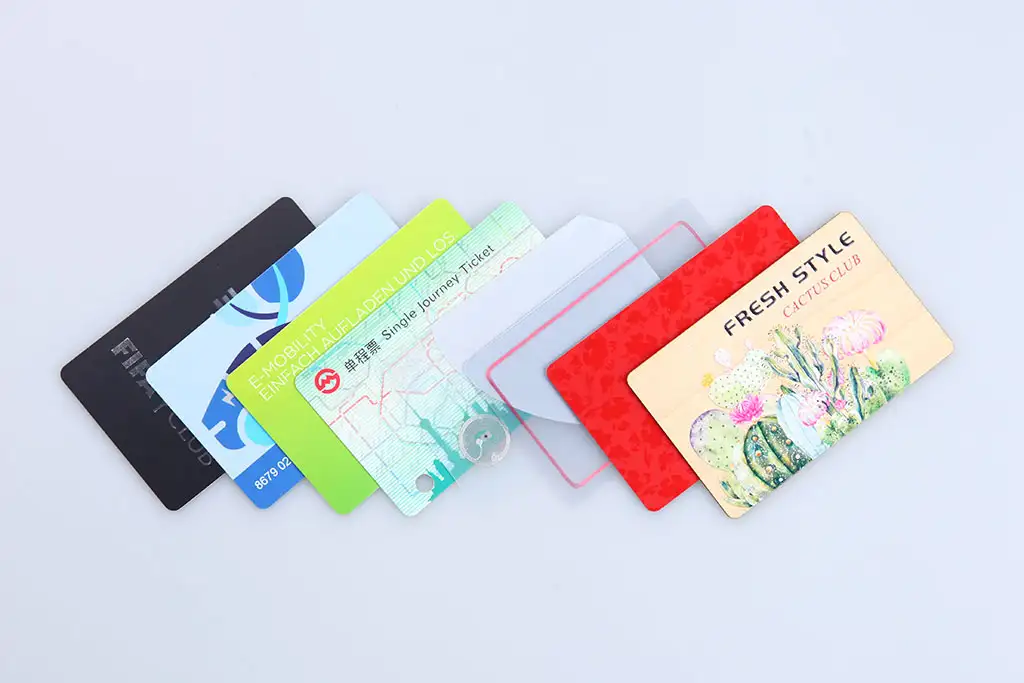
One card, many systems
A campus card is carried all day: through the gate in the morning, into the library, across the canteen at lunch, to the printer before a seminar, and onto the bus home. One card can serve all of those systems when each of them reads the same card serial and resolves it in its own database — the door controller checks access rights, the payment system checks the balance, the library checks the loan record, and the printer checks the print credit.
The chip on the card holds an identifier, not the student's personal data. Names, photos, enrolment status and balances live in the campus systems behind their own access controls; the card is the key that presents the identifier. That separation is what lets one card serve systems run by different departments without copying personal data between them.
Most campuses arrive at one card in stages rather than all at once: access first, then payment or printing, then the library. A card chosen for the first system should already carry the chip the later systems need, or the campus ends up reissuing every card when the next system arrives.
Access and attendance
Doors, gates, halls of residence, laboratories and sports facilities all read the same card. Access rights are set per group — a first-year student, a lab researcher, a member of staff — and changed in the access system when someone's role changes, without touching the card itself.
Attendance at lectures, labs and exams can be taken the same way: a tap at the room reader records the student as present. The record is only as good as the reader placement, so rooms used for attendance need a reader at the entrance, not one shared with the corridor.
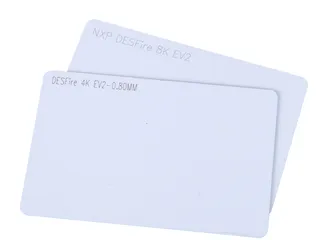
For anything where a copied card would matter — server rooms, chemical stores, examination offices — the card should carry a MIFARE DESFire EV2/EV3 chip with keys held by the access administrator, not a MIFARE Classic chip. Where an estate still runs older proximity readers, a dual-frequency card carries both chips and works on both generations while doors are upgraded in order of risk.
Payment on campus
The same card pays for lunch, coffee, vending and printing. The balance is normally held in the campus payment system and the card presents the account, so a lost card is blocked and its balance is safe; the replacement card is linked to the same account.
Canteen tills, coffee machines and printers each need a reader that talks to the payment system, and the reader type has to match the card's chip. Agree the chip and the reader estate before the card is specified — a card that opens doors but cannot be read at the till is a second card waiting to happen.
Where the card also has to work off campus — on city transport, for example — the transport operator's requirements decide the chip and the data the card must carry. Confirm that with the operator before ordering cards, not after.
Library and printing
At the library the card identifies the borrower at the self-checkout kiosk and at the staff desk, and releases print jobs at the printer. The loan record, the fines and the print credit all sit in the library and print systems; the card only presents the borrower.
Where the library itself runs RFID — book labels for self-checkout and shelf inventory — the card and the book labels are two halves of the same system: the kiosk reads the card, then the books. Our RFID library tags are the book half; the card is the borrower half.
Print release works the same way: the student sends a job from a laptop, taps the card at any printer, and the job is released there. No job is printed until the card is presented, so uncollected jobs do not pile up in the output tray.
Issuing and replacing cards
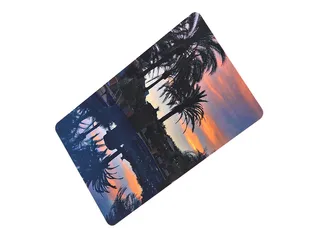
Cards are issued at enrolment: a photo is taken, the card is printed with the student's name and photo, the chip is encoded with the card serial, and the serial is registered in each system the student may use. Bulk issue at the start of term is a production run, not a desk job — agree the artwork, the encoding file and the delivery schedule with the supplier before term starts.
A lost card is a system action, not a card action: the serial is blocked in every system, and a replacement card is printed and encoded with a new serial and linked to the same student record. The old card stops working everywhere at once, including doors and payment.
- Photo and print. Name, photo and any faculty or year marking, printed on the card; check the print quality on samples before the bulk run.
- Encoding. The card serial written to the chip and matched to the student record in each system; confirm the encoding file format with your integrator.
- Blocking. A lost card's serial blocked in access, payment, library and printing at the same time, from one place.
- Reissue. Replacement cards printed and encoded with a new serial; the student's record, balance and loans carry over.
What Proud Tek manufactures for campus
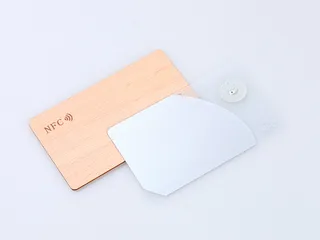
We manufacture the cards: blank cards for your own printers, printed cards with your design, MIFARE Classic cards for estates that already run them, and MIFARE DESFire EV2/EV3 cards for new deployments. NFC cards cover phone-tap use cases such as opening a link or a profile. Cards are supplied blank or encoded, with samples to test against your readers before the bulk order.
We do not supply door readers, access-control software, payment terminals, library systems or transport validators; those come from your integrator or from each system's own vendor, and we test our cards against the readers they specify. If you are replacing an existing card estate, send us a sample of the current card and the reader models — we confirm the chip and encoding against them before quoting.
Published 2026-11-22 · Updated 2026-11-22