Analytics cookies. Can we use Google Analytics and its cookies to see how visitors use this site? Change this any time under Cookie settings in the footer. Privacy policy
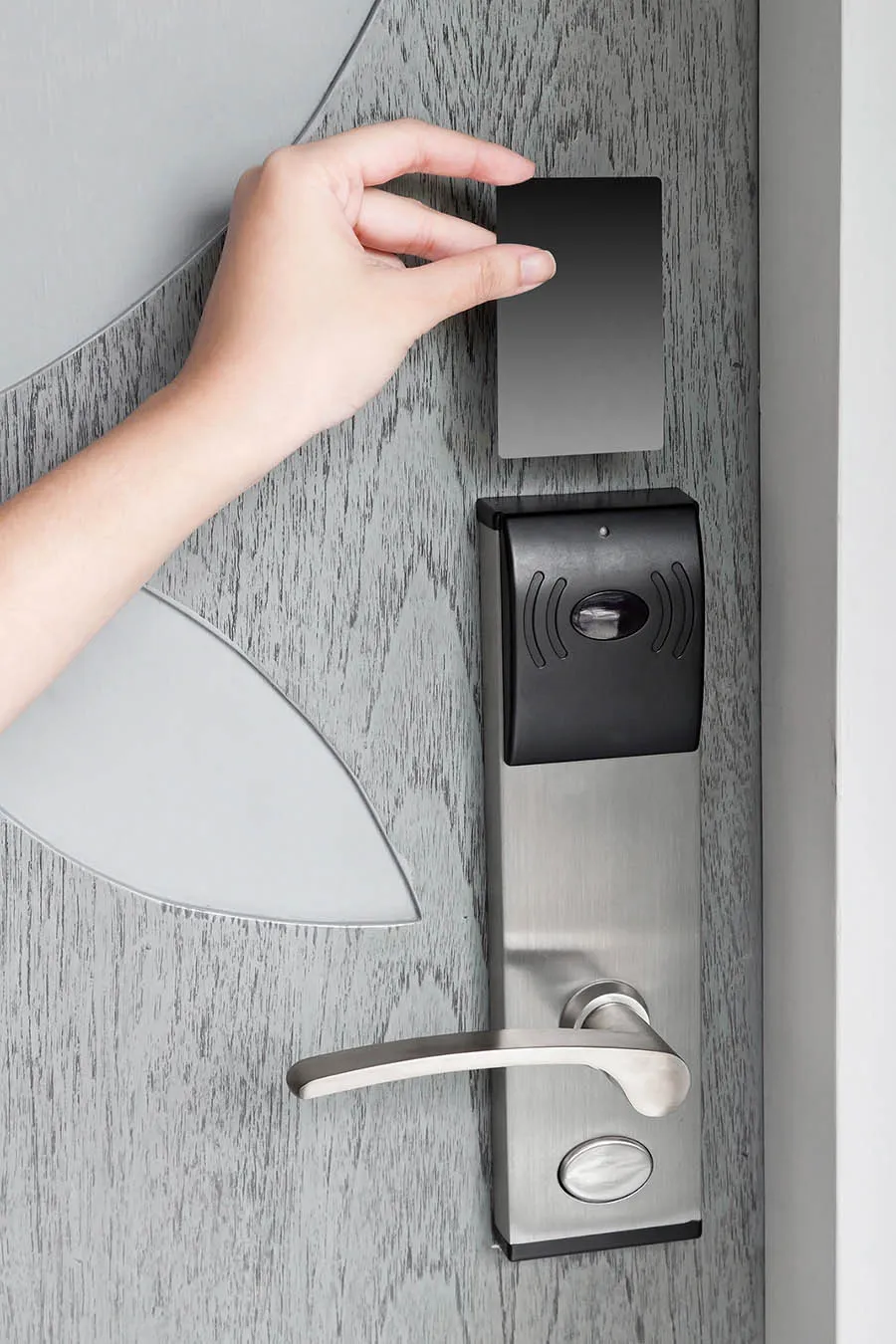
Hotel key cards are 13.56 MHz RFID credentials (MIFARE Classic, DESFire or Ultralight, depending on the lock system) that replace magnetic-stripe keys — the chip and encoding must match the installed door locks, not just the frequency.
Hotel key cards for properties, lock-system integrators and distributors. The chip and encoding format must match the installed locks and front-desk encoder; matching the frequency alone is insufficient. Send the lock brand and model, a current card specification, artwork and quantity. Confirm material, printing and any magnetic-stripe requirements, then test sample cards in the hotel's system before ordering.
Free standard samples · Quotation within one business day
Product details
Printing
Offset printing, Pantone colours, metallic backgrounds and other finishes.
Material
Compare PVC, PET, PLA and wood card constructions for your property, and ask for the material specification of the construction offered.
Pre-encoding Support
Confirm with your lock-system provider whether cards need property-specific pre-encoding or will be issued entirely at the front desk. Include that requirement in the quotation.
Delivery
For urgent orders, send the required arrival date, destination, quantity and card specification. Availability and the delivery schedule must be confirmed before ordering.
Start with the installed lock system and front-desk encoder. Request the accepted card specification from your lock-system provider or use your approved previous order as a reference. Include the lock model, chip and encoding requirements when asking for a quote. The following families are options to discuss with your system provider:
Chip family
Frequency
Where it is found
Notes
MIFARE Classic 1K (and 4K), genuine NXP EV1
13.56 MHz, ISO/IEC 14443A
Installed systems that specify a MIFARE Classic credential
Sector data is protected by Crypto-1, broken since 2008; the lock system's own encoding scheme carries the security, not the chip
MIFARE Ultralight C / Ultralight EV1
13.56 MHz, ISO/IEC 14443A
Single-stay and disposable cards in some systems
Small memory and low cost; Ultralight C adds 3DES authentication
MIFARE Plus, DESFire EV1/EV2/EV3
13.56 MHz, ISO/IEC 14443A
Newer lock generations and properties that upgraded for security
AES authentication; DESFire cards can also carry a second application such as car-park access or a cashless account
T5577 or EM4305, 125 kHz
125 kHz
Older lock systems and some budget locks
Writable low-frequency chips; the lock reads an ID written by the encoder
Magnetic stripe
None
Legacy locks still in service
Stripe-and-chip cards, with a magnetic stripe and one RFID chip, carry a property through a lock changeover
The hotel key card solutions page explains how chip choice and encoding fit a hotel system. Confirm the exact offered card and validate it on your encoder and locks. A named chip family or matching frequency does not establish compatibility with a particular lock brand.
Blank, pre-encoded or printed: what "ready to use" means
The required delivery configuration comes from your lock-system provider. Some installations issue the card entirely at the front desk; others require property-specific configuration beforehand. Ask the provider to document the chip, initial state and encoding requirements. Agree who performs each step and have the property test sample cards on its encoder and locks before approving the batch.
Blank: transport keys, no data. Choose this when your lock software encodes every card itself.
Pre-encoded: property data written in your lock system's format, so the card is recognised by the doors as soon as the desk assigns a room. We read back every card we pre-encode, and each pre-encoded order is delivered with a data report; the RFID encoding service page covers the details.
Printed: either of the above with your artwork. Printing and encoding are separate steps and are combined in one order.
What the encoder needs from the card
A front-desk encoder writes to a card only when the chip family, memory size and initial key configuration are the ones its software expects. For pre-encoded cards, ask the lock-system provider for the accepted chip, the memory or application layout to be written, and the initial keys the encoder authenticates against. A card that carries the right chip family but the wrong memory size or a locked key slot is written incorrectly or rejected, which is why the specification comes from the provider rather than from the frequency printed on a datasheet. The hotel key card solutions page covers how chip choice fits the lock; confirm the exact offered card on your own encoder before the batch.
Keys, handover and confidentiality
Pre-encoding writes property data in your lock system's format, so the keys and configuration file are sensitive. Supply them only through the channel your lock vendor authorises, and agree in writing who holds the keys, how the file is transferred, and how sample and reject cards are destroyed. We encode new cards with configuration data supplied by the property or its lock vendor; we do not copy, clone or read out an existing guest, staff or master credential for anyone who does not administer the lock system. Master and staff cards are issued by the property's own lock software, not duplicated from a sample.
Batch numbering and test cards
If cards carry a printed serial or a sequence for front-desk inventory, decide before artwork whether that printed number must match the encoded serial the property management system searches on: the two are independent unless you align them. Numbered cards are supplied with a record of every card’s UID and printed number, in Excel, CSV or XML. Ask for a small number of test cards from the same production batch, encode them on your own front desk, and open every lock generation with them before the full run is released.
Card materials
Material
Construction and feel
Print and finish
Documentation (on request)
Best for
PVC
0.76 mm laminated, standard card feel
Full-colour offset and digital; accepts most finishes
PVC sheet containing recycled PVC; same thickness and handling as PVC
As PVC; test a sample in your own card printer
Material specification; no recycled-content share is stated
Existing PVC card programmes that must not change in handling or printing
PET / PETG
Same thickness; heat and handling behaviour confirmed on a sample
Prints and finishes like PVC
Material data sheet
Staff and access cards, or properties that want a non-PVC plastic body (the inlay core can still be PVC)
PLA
Made from corn starch; the chip and antenna inlay are not PLA. PLA softens from about 55–60 °C in an amorphous grade, so keep it out of hot cars and off radiators; the PLA card page gives the source
Full colour; confirm finishing-temperature tolerances first
Material specification; no compostability certification is claimed
Properties that want a corn-starch-based card body
Paper
Laminated board, made for single use and to be discarded
Full-colour print
Material data sheet
Single-stay, events and sponsor cards
Wood and bamboo
Veneer over a core; natural grain varies from card to card
Silk-screen, UV or laser engraving rather than full-colour offset; laser gives monochrome detail
Material specification
Boutique properties that want a natural-wood look
A non-PVC body (wood, bamboo or PLA) changes how the antenna is tuned, so if the material changes on a reorder, repeat the reading checks on every lock generation, not only on the encoder, and repeat the handling checks for the proposed construction. A material specification describes the body material; it is not an environmental certification of the finished card. Compare the wooden card, PLA and alternative-material card and paper card pages.
Printing and finishes
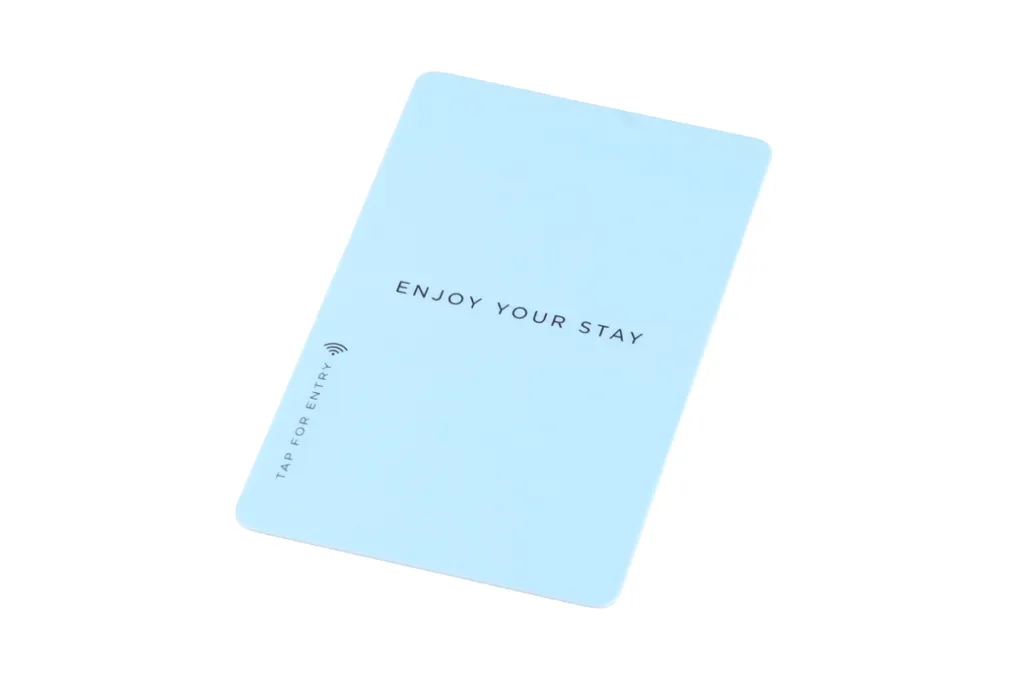
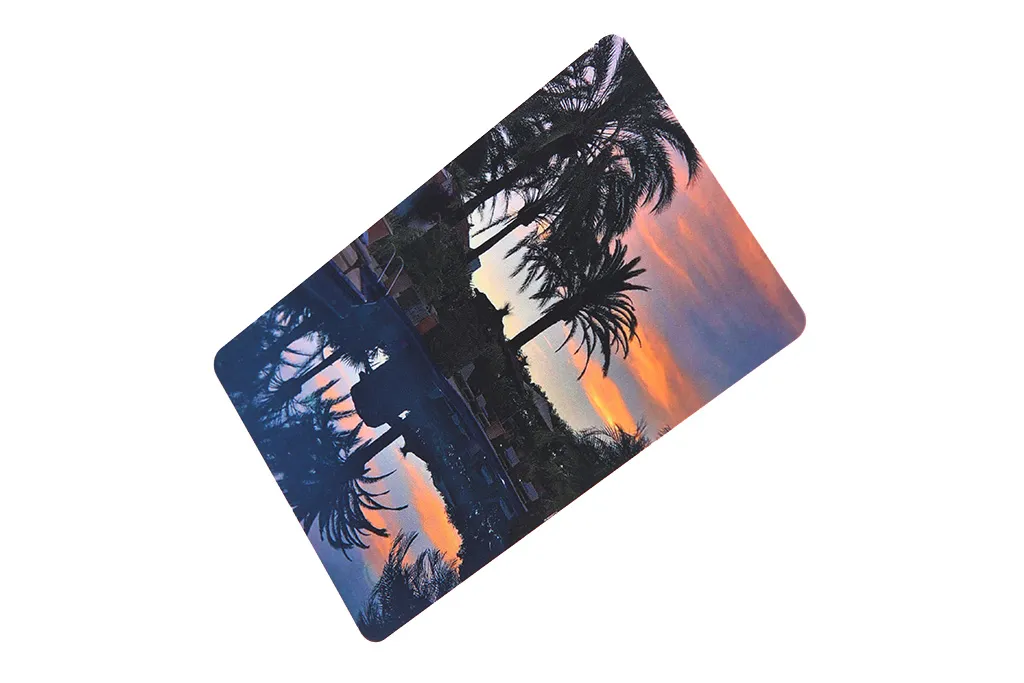
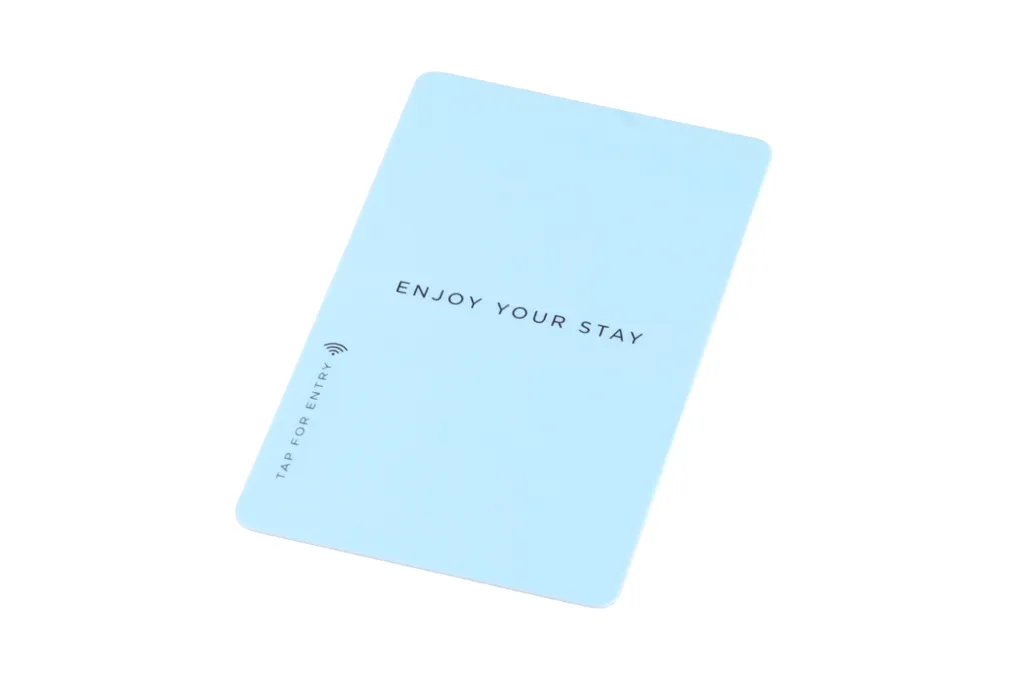
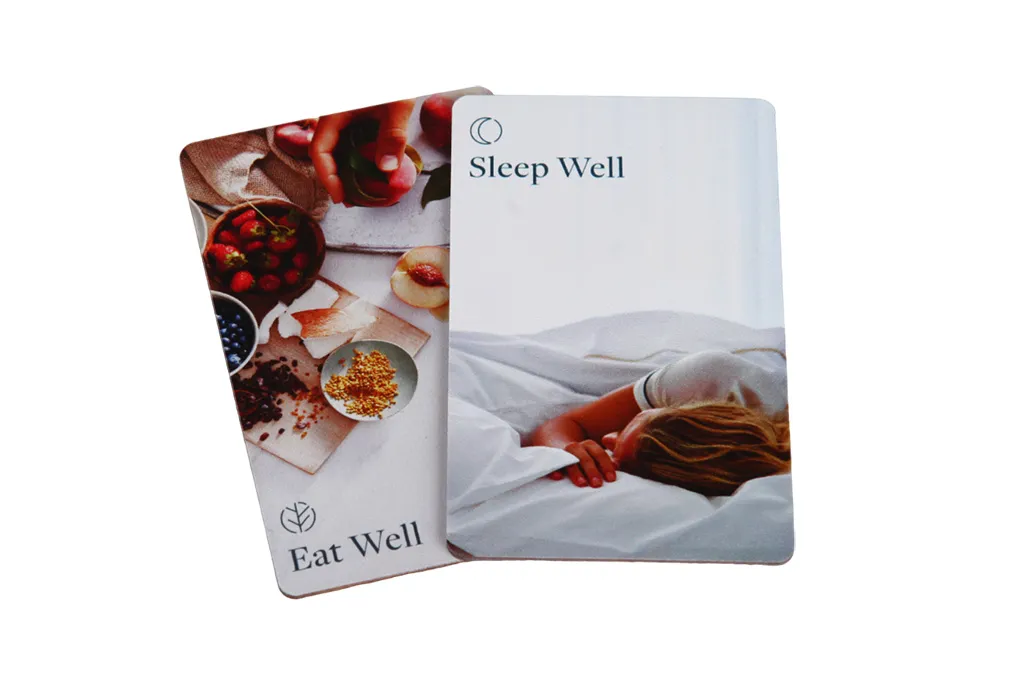
Specify the required print process, colours and finish with your artwork. Options to discuss include CMYK or spot-colour printing, metallic effects, raised details, numbering, barcodes and QR codes. Approve the colour reference, layout and finished-card sample before committing to the printed batch; the example image below illustrates a card design.
Artwork and print checklist
Format: ISO/IEC 7810 ID-1 (85.6 × 54 mm, 0.76 mm) with rounded corners; supply print-ready files at 300 dpi in CMYK, with a small bleed (typically 3 mm, confirmed on the supplied artwork template) and a safe margin inside the trim so nothing important is cut.
Colour: name any brand colours as Pantone or spot references and ask for a colour proof, because CMYK cannot reproduce every Pantone shade exactly.
Chip and antenna keep-out: keep metallic ink, foil and large solid-metal areas clear of the antenna, which they can detune; we mark the keep-out zone on the template.
Magnetic stripe: on a stripe-and-chip card the stripe runs along one long edge on the back; keep artwork and any signature panel clear of it, and choose a HiCo or LoCo stripe (see below).
Finishes: varnish, matte or gloss lamination, spot UV, metallic foil, embossing or raised numbering; ask the order in which finishes are applied, because some combinations, such as spot UV directly over foil, can lift with handling.
Numbering: printed serials, barcodes or QR codes, and whether a printed number must match the encoded serial.
Proof: approve the colour reference, the layout and a finished-card sample before the batch is printed.
On a stripe-only or stripe-and-chip card, specify a HiCo (high-coercivity) stripe rather than LoCo (low-coercivity): LoCo stripes are erased easily by everyday magnets, while a HiCo stripe resists casual handling and phone, MagSafe or wallet magnets and is scrambled only by deliberate contact with a strong magnet. Where the locks allow it, a contactless chip removes the problem the stripe creates altogether.
Fobs and wristbands for the same locks
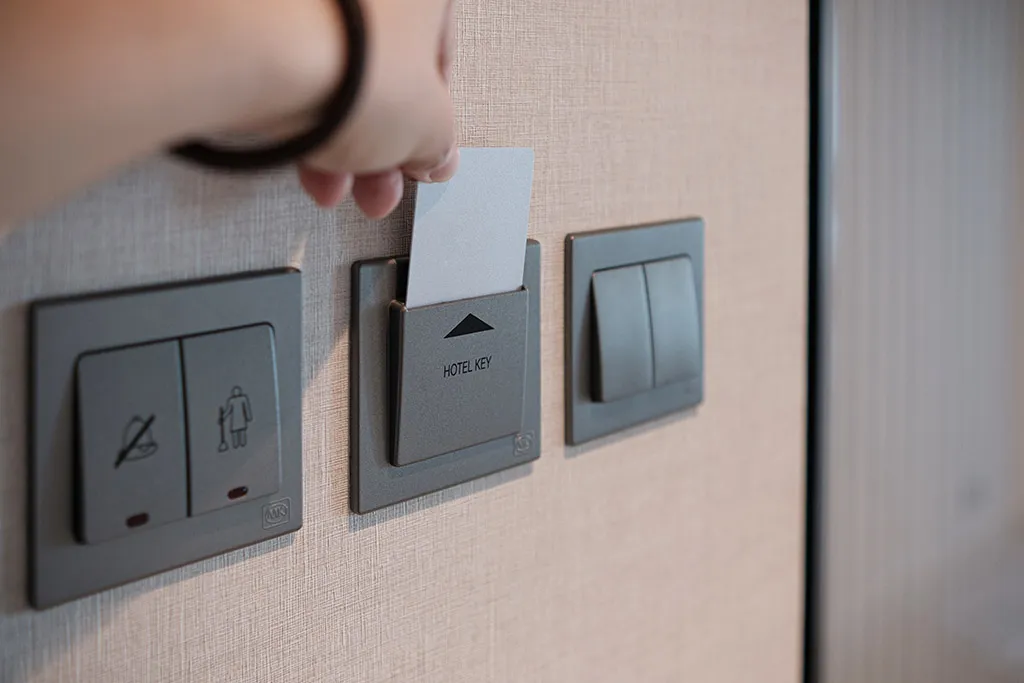
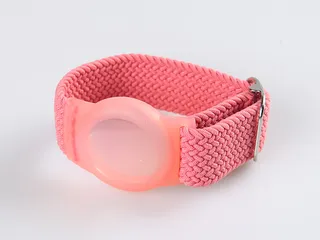
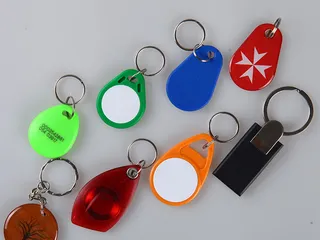
Waterparks, spas, resorts and hostels often replace or supplement the card with a hotel wristband or an RFID key fob that carries the same chip as the card and is encoded the same way, so the lock sees no difference. One practical point: where rooms use an energy-saver switch that needs a card in a wall slot, a wristband or fob cannot do that job. Many slots are mechanical and accept any card; those with a reader must accept the chip type.
Ordering and reordering
First order: lock brand and generation (or two current cards), blank or pre-encoded, material, artwork, quantity, and the date you need the cards by; sample-test the batch as set out under Sampling before the batch below.
Reorders: ask for the same chip and encoding format as the previous order. If the property has changed its encoding data or lock software since, send an updated configuration file or a fresh current card.
Artwork: supply print-ready files per the artwork and print checklist above; we send a proof before printing.
Urgent orders: see the delivery note above and tell us the check-in date you are working to.
Sampling before the batch
Approve a pre-production sample before committing to the full run, and keep the sample round small and comparable. Sample the card you intend to ship, plus one alternative against it if you are considering a material change, rather than a wide spread of materials that slows the decision without improving it.
Test on your own system: encode the samples on the property's front-desk encoder and open every lock generation in the building with them, including any older wing and back-of-house doors.
Record what you tested against: note the lock model and, where you can read it, the firmware version on the doors the samples passed, so a reorder is matched to the same conditions.
Check handling and storage: flex, pocket and, for non-PVC bodies, heat- and humidity-check the samples the way guests will treat them.
Approve one specification: once a sample passes, freeze the chip, material, artwork and encoding as the approved specification and reorder against it.
Standard samples are free; a setup fee applies to customised samples. Sample quantities, any charges and timing are confirmed in the quotation.
When a hotel key card stops working
Most "my card stopped working" reports at the desk are not chip failures. Read the symptom before re-cutting the card: the common causes are a short list, and most are fixed at the front desk in under a minute.
Symptom
Likely cause
What to do
Worked earlier today, now refuses one door
The stay window encoded on the card has expired, often at the check-out boundary, or the stay was extended without re-encoding
Re-encode the card in the property management system with the correct room and check-out time
A freshly issued card does not open the door
An encoder write error: the card was lifted before the write finished, or a network drop hit the encoder
Re-encode; if it fails again, take a new card from sealed stock and retire the suspect one
One card fails, others work at the same door
A cracked antenna or a bent, punctured or heat-damaged card
Replace the card; the chip or antenna bond has broken and cannot be repaired
Several guests fail at one door, their cards work elsewhere
A dirty or worn reader, or a low lock battery
Clean the reader and check the lock battery; this is a lock issue, not a card issue
A card meant for one system is presented to another
A chip or frequency mismatch, such as a 125 kHz card at a 13.56 MHz reader, or the wrong chip family
Issue the card specified for that system; matching the frequency alone is not enough
One cause you can rule out is a magnet. A contactless RFID chip stores its data in silicon and has no magnetic stripe to erase, so a phone, a MagSafe or wallet magnet, an airport X-ray or a second card in the wallet will not wipe it. A strong magnet held against the antenna can briefly shorten read range, but the card returns to normal once the magnet is removed. Only the magnetic stripe on a stripe-only or stripe-and-chip card is at risk from magnets, which is a reason to specify a HiCo stripe or move to a contactless chip.
What Proud Tek manufactures and supplies
We produce hotel key cards in our Shenzhen factory, printing, laminating, encoding and inspecting each batch before dispatch. Enquire about them in the material and chip configuration your lock provider requires, including MIFARE Classic, MIFARE DESFire, EM4305 and T5577 options. Confirm printing, encoding responsibilities and any matching wristbands or fobs in the quotation. For other hotel procurement needs, see RFID laundry tags and the hospitality guide. Locks, encoders, software and PMS integration are specified by the hotel’s system provider.
Specify cards for your hotel system
Send with your enquiry
Include the lock model, front-desk encoder and current card specification. Add the property quantity, artwork, material and any magnetic-stripe requirement.
Approve a sample
Have the property test card issuance, room access, expiry and reissue on its own equipment. Include every lock generation used at the site.
Confirm the quotation
Agree the chip, encoding responsibility, artwork proof and sample approval before the batch. Ask for MOQ, sample charges and a delivery schedule for your destination.
Use the card specification supplied by your lock-system provider. MIFARE Classic, Plus, DESFire and 125 kHz cards are different choices; matching the frequency alone is not enough. Send the lock model, encoder details and current card specification. The hotel key card solutions page explains the selection and sample checks.
What is pre-encoding, and what do you need from us?
Pre-encoding prepares a card to the property configuration specified by the lock-system provider. Confirm whether your system needs this step and who is authorised to perform it. Include the documented chip and encoding requirements in your enquiry, then have the property test samples before approving the order. The exact data and key-handling process must be agreed separately.
Can you print our own design on the cards?
Send the artwork, desired finish and any numbering, barcode or QR-code requirements. Confirm the available print process, artwork template and proofing steps in the quotation. See printed RFID cards for options to discuss, and approve the proof and card sample before the batch.
Are wooden, paper or PLA key cards practical for daily use?
Choose the complete card construction for the property’s use and disposal requirements. Compare wooden, paper and PLA options, request the material specification, and test reading, handling and storage conditions. A material name alone does not establish durability, recyclability or compostability.
Do you supply the door locks or the encoder?
This listing is for cards used with the hotel’s specified system. Locks, encoders, lock software and PMS integration should be confirmed with the system provider. For related product enquiries such as wristbands and laundry tags, see the hospitality guide.
Can one card have both a magnetic stripe and an RFID chip?
Yes. A stripe-and-chip card carries a magnetic stripe on the back and one RFID chip inside, so it works on old stripe locks and new contactless locks during a changeover, and staff cards can be kept on one credential. The hotel key card solutions page covers migration planning.
How quickly can you deliver hotel key cards?
Send the required arrival date, destination, quantity, material, artwork and encoding requirements through the contact page. Ask for sample and batch timings, including the approvals needed before production and dispatch. The delivery schedule is confirmed after the specification and approval steps are agreed.
Can you make a master card or copy an existing guest card?
No. Master, staff and guest credentials are issued by the property's own lock software. We pre-encode new cards with configuration data supplied by the property or its lock vendor, and we do not copy or clone cards for anyone who does not administer the lock system. If you need more staff or master cards, your lock vendor or the lock software issues them; see the hotel key card solutions page for how the credentials work.
Why has my hotel key card stopped working?
The card is rarely the fault. The usual causes are an expired stay window (re-encode with the correct check-out time), an encoder write error on a freshly issued card (re-encode, or use a new card from sealed stock), a cracked antenna or bent card (replace it), a dirty reader or low lock battery (a lock issue, not a card issue), or a card presented to the wrong system. Read the symptom before re-cutting the card; the troubleshooting table above lists the fix for each. The hotel key card solutions page covers where key-card programmes fail.
Can a phone or magnet erase an RFID hotel key card?
No. A contactless RFID chip stores its data in silicon and has no magnetic stripe, so a phone, a MagSafe or wallet magnet, an airport X-ray or a second card in the wallet will not wipe it. A strong magnet held against the antenna can briefly shorten read range, but the card returns to normal once the magnet is removed. If a card genuinely fails, look at the encoding, the reader or the lock, not at a magnet.
Can a phone demagnetise the magnetic stripe on a hotel card?
A LoCo (low-coercivity) stripe is erased easily by everyday magnets. A HiCo (high-coercivity) stripe is designed to resist casual handling and phone, MagSafe or wallet magnets, and is scrambled only by deliberate contact with a strong magnet, so a phone in normal use will not wipe it. Specify a HiCo stripe on any stripe-only or stripe-and-chip card, and where the locks accept it, move guests to a contactless chip, which a magnet cannot erase at all.
How can we tell whether the card or the door reader has failed?
Test the card on another door or reader: if it works elsewhere, the first reader, its battery or its configuration is the problem. To check the card itself, a free NFC reader app on a phone will report the chip's UID for a 13.56 MHz card; if the app reads it, the chip and antenna are functional and the fault is in the encoding, the reader or the lock, so re-encode or fix the door rather than replacing the card.
Should we test sample cards before ordering the full batch?
Yes. Encode a pre-production sample on the property's own front-desk encoder and open every lock generation in the building with it, including any older wing and back-of-house doors. Record the lock model and firmware you tested against, check handling and storage, then freeze the chip, material, artwork and encoding as the approved specification and reorder against it. Standard samples are free; a setup fee applies to customised samples, and quantities and timing are confirmed in the quotation.
How to Read an RFID Tag Quotation, Line by LineWhat decides RFID card and tag prices, and how to compare quotations line by line: unit-price basis, tooling, encoding, samples, freight and Incoterms.